ASUS RT-AX86U Pro Review: Fast, Secure, But Mesh Flaws
A Best Buy customer summed it up in one breath: “Excellent coverage in my old, 1890s home—3600 sq ft plus yards—no tweaking needed after setup.” The ASUS RT-AX86U Pro Dual Band WiFi 6 Gaming Router consistently earns high marks for speed, range, and stability, landing at 9/10 from aggregated feedback across platforms. Praised for its gaming optimization, lifetime Pro-grade security, and intuitive controls, it’s not without flaws—especially for those relying heavily on AiMesh roaming.
Quick Verdict: Conditional buy — stellar as a standalone gaming router or AP, cautiously recommended for AiMesh setups.
| Pros | Cons |
|---|---|
| Excellent WiFi 6 speeds up to 5700 Mbps | AiMesh roaming complaints—connection drops while moving |
| Strong long-range coverage | Only one 2.5G port limits multi-gig expansion |
| Lifetime AiProtection Pro security updates | Occasional firmware issues in past require prompt updating |
| Easy setup via app or browser | Lacks advanced gaming tools like geo-fencing |
| Configurable gaming port & gear accelerator | DFS channels may require manual tuning |
| Supports VPN Fusion for per-device tunnel control | Price spikes on resale market |
Claims vs Reality
ASUS markets the RT-AX86U Pro as delivering “ultrafast WiFi 6 speeds up to 5700 Mbps with 160 MHz channels.” In real-world conditions, Tom’s Guide testing peaked at 929.7 Mbps at 15 feet and maintained strong wall penetration at 698.5 Mbps. While impressive, these numbers don’t hit lab-ideal marketing claims, but users found them more than adequate for gaming and 4K streaming.
Another headline claim is “expanded coverage” via RangeBoost Plus. A Best Buy reviewer said: “Covering two buildings and two sets of yards is pretty good… I had to use a number of more repeaters with my previous routers.” However, Reddit users warned AiMesh handoffs can be unreliable: “It wasn’t really mesh… connection just drops until you cycle WiFi.” This suggests its coverage strength shines most as a single-node deployment rather than roaming mesh.
Finally, ASUS touts its “enhanced network security with lifetime AiProtection Pro.” Multiple sources confirmed this as a high-value gain—Tom’s Guide noted it competes favorably with subscription models from Netgear, and a Reddit user praised built-in VPN capabilities: “You could route the entire network through a VPN instead of individual devices… rock stable.”
Cross-Platform Consensus
Universally Praised
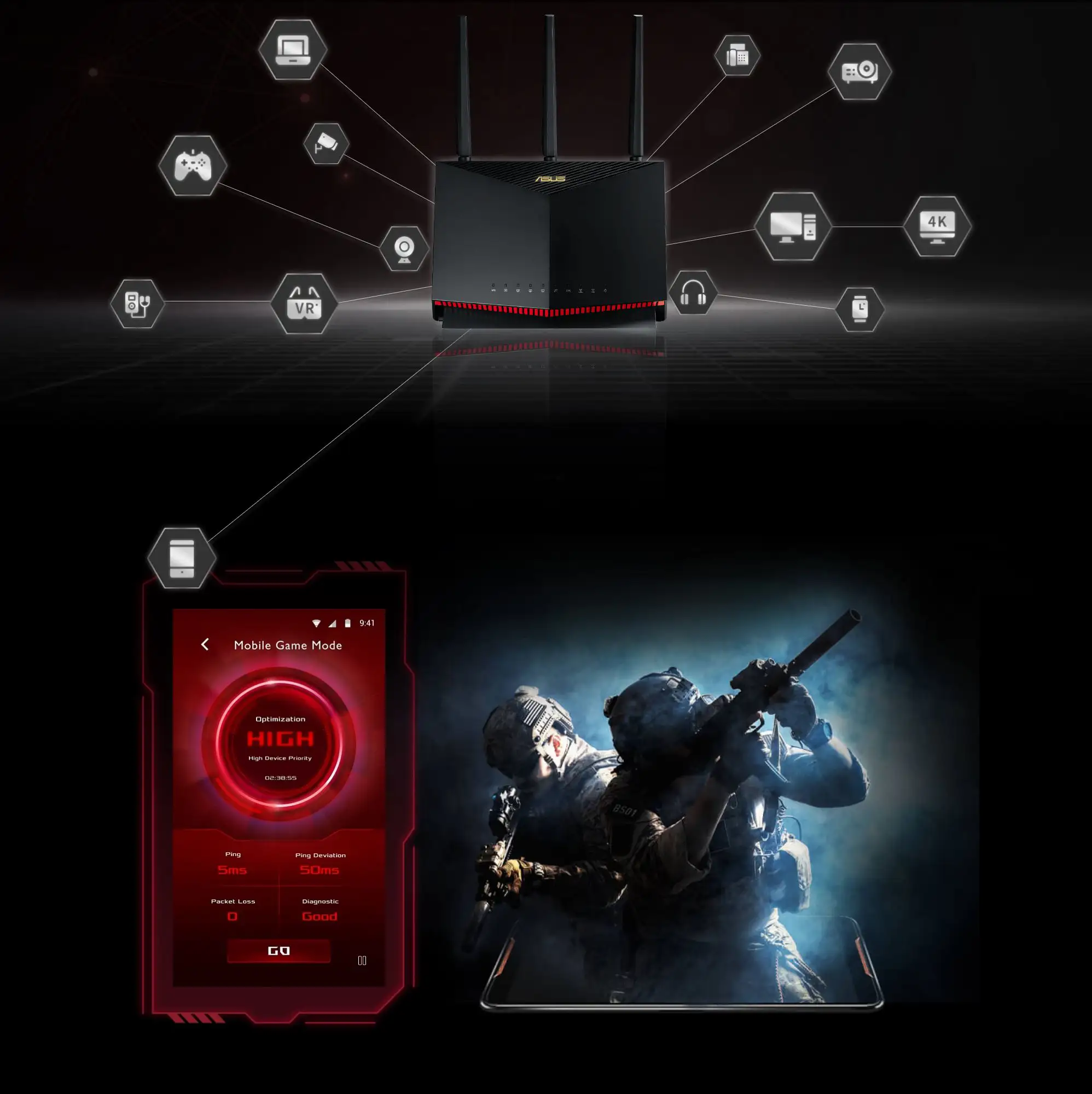
Speed and latency improvements stood out, especially for gamers and multi-device households. A Reddit user described it as “super fast and stable… wish I went for this one since it has a more ‘adult’ look.” Best Buy users reported drastic improvements: “Kick butt speeds, ease of use, an awesome app that gives full control!” For mobile gamers, the one-tap Mobile Game Mode minimized lag, making it ideal for competitive play on phones and tablets.
Range performance impressed homeowners with challenging layouts. One Best Buy customer boasted coverage across “two buildings and yards” without constant adjustments. Long-range stability, paired with strong wall and floor penetration, benefits large households where consistent signal is critical for work, streaming, and smart home devices.
Security integration resonated widely. Tom’s Guide highlighted “lifetime updates to counter new threats,” a feature helping families protect devices without recurring costs. VPN Fusion’s per-device tunnel allocation proved valuable for remote workers, allowing simultaneous secure and regular internet streams.
Common Complaints
Mesh performance drew sharp criticism from mobile users. A Reddit contributor vented: “AiMesh sucked… it would try to switch you even if stationary, resulting in unresponsiveness.” For those prioritizing seamless roaming between nodes, competitors like TP-Link may offer smoother transitions.
Hardware limitations surfaced around the single 2.5G port. While it enhances speeds for one device or WAN link, power users lamented the lack of multiple multi-gig ports for broader wired setups. One Reddit comment concluded: “The 2.5 gig networking would’ve been cool, but it’s only one port—ok feature at best.”
Past firmware and security incidents lingered in memory. A longtime ASUS user referenced PCMag’s report on critical firmware updates, calling the pattern “sloppy at best.” While patches fixed these issues, trust required diligence in applying updates.
Divisive Features
Gaming tools split opinions. While gear accelerator and gaming port prioritization worked flawlessly for some, others missed advanced competitive features. Tom’s Guide dinged the router for lacking “ping heat maps” and “geo-fencing” found in Netgear’s XR1000, features crucial for certain eSports setups.
Dynamic Frequency Selection (DFS) unlocking less congested 5 GHz channels appealed to network tinkerers but required manual tuning to maximize benefit. Casual users might overlook this, defaulting to standard bands.
Trust & Reliability
Despite strong positive sentiment, trust concerns arise from ASUS’s historical firmware lapses. Savvy users pointed to malware distribution incidents years ago, urging vigilance. However, long-term owners reported durability: one Best Buy reviewer noted their previous ASUS router ran “about 9 years” before upgrading, praising consistent performance.
Reddit veterans also emphasized firmware’s importance: Merlin custom firmware was touted as a stable alternative for advanced VPN setups, adding longevity and flexibility in deployment.
Alternatives
Tom’s Guide compared the RT-AX86U Pro against Netgear’s Nighthawk XR1000 and TP-Link’s Archer AX6000. The XR1000 excelled in gaming-specific tools like geo-fencing but carried shorter warranty and paid security updates. TP-Link’s AX6000 bested it in mid-range throughput but failed at long distances where ASUS recovered performance. For those needing more LAN ports, TP-Link’s eight-port offering beat the RT-AX86U Pro’s five.
Price & Value
Pricing varies widely: eBay listings soared to $537.40 new, while used stock dipped to $129.99. Community advice leans toward buying during sales—Reddit’s BuildaPCSales spotted it at $199—overpaying risks diminishing returns compared to similarly spec’d models. Resale value holds well, especially for lightly used open-box units.
FAQ
Q: Does the RT-AX86U Pro work well for large homes?
A: Yes, as a standalone router it covers large spaces effectively. One user managed 3,600 sq ft plus yards without extra tweaks, but AiMesh roaming drew mixed reviews.
Q: Is the single 2.5G port a limitation?
A: For most households, no—it supports multi-gig WAN or LAN. Power users needing multiple high-speed wired links may find it restrictive.
Q: Can it run a VPN for the entire network?
A: Yes, via VPN Fusion or third-party firmware like Merlin, allowing per-device tunnels and maintaining non-VPN connections for others.
Q: How easy is setup?
A: Very straightforward—Best Buy customers and Tom’s Guide confirmed configuration via app takes under 10 minutes, with options for app or browser control.
Q: Does it support DFS channels?
A: Yes, it can unlock up to 15 of the least congested channels on 5 GHz, ideal for crowded Wi-Fi environments.
Final Verdict: Buy if you’re a gamer, remote worker, or family needing high security and wide coverage in a single-router setup. Avoid if seamless mesh roaming is critical or multiple multi-gig ports are required. Pro tip from the community: Pair it with Merlin firmware for enhanced VPN performance and stability.





