ASUS RT-AX82U WiFi 6 Gaming Router Review & Verdict
The ASUS RT-AX82U AX5400 WiFi 6 Gaming Router has earned a solid reputation among gamers and stream-heavy households, consistently clocking in around 8.5/10 from technical reviewers and everyday users alike. While its marketing touts up to 5400 Mbps speeds and “lag-free gaming,” digging into real-world feedback reveals that it can indeed deliver blistering performance—if you avoid certain settings and work around minor firmware quirks.
Quick Verdict: Conditional Buy
| Pros | Cons |
|---|---|
| Blazing WiFi 6 speeds up to 5400 Mbps | Expensive compared to rivals |
| Strong gaming QoS when configured traditionally | Limited RGB customization |
| Lifetime AiProtection Pro security | Occasional Wi-Fi drops reported |
| Easy set-up via mobile app | Firmware language/region issues |
| Solid coverage (up to ~2000 sq ft) | No multi-gigabit LAN port |
| AiMesh support for network expansion | 2.4 GHz band sometimes underwhelms |
Claims vs Reality
ASUS markets “Mobile Game Mode” as one-tap lag prevention for smartphones. While some owners confirm smoother mobile gaming, Reddit user EldestTheGreat*** found that relying on Adaptive QoS often “instantly bottlenecked the connection,” leading to high latency. Switching to traditional QoS and manually prioritizing consoles in the Gear Accelerator, he reported that “my wife didn’t lag once” during peak gaming while streaming continued in another room.
Another flagship claim is coverage—advertised to blanket up to 2000 sq ft. Trustpilot entries and Amazon reviews generally agree, with one verified buyer noting: “Signal range exceeded expectations and was ideal for gaming.” Yet, Mojitech customers mentioned occasional 2.4 GHz limitations, implying that big homes should stick to the 5 GHz band or consider AiMesh expansion.
Marketing around “lifetime security” also meets reality: users consistently praise AiProtection Pro, powered by Trend Micro, for blocking malicious sites in real-time. A WiFiAdviser test deliberately visited infected URLs—“the router promptly blocked access, preventing any potential harm” without requiring any subscription.
Cross-Platform Consensus
Universally Praised
Gamers form the router’s core fanbase, embracing its combination of WiFi 6 bandwidth and targeted traffic shaping. Newegg buyers loved that “mesh WiFi support” and “great software” make it adaptable beyond gaming. The dedicated gaming port gets special mention from console users: plug in, and it’s “always at the head of the queue” without fussing in menus. For streamers, beamforming and MU-MIMO allow simultaneous HD streaming with minimal buffering—one Amazon buyer ran “4K YouTube on the TV while my son gamed upstairs,” both enjoying top performance. The mobile app is another high point: “Super easy to handle and the initial set-up is very fast,” according to Trustpilot feedback, giving non-technical owners confidence in tweaking settings.
Security is a rare consensus win. Families cite the parental controls as a major value-add: see device activity on a dashboard, schedule downtime, and even block categories inside apps thanks to packet inspection. For small businesses, Reddit comments highlight its “business-class app” versatility, where guests can be given secure, temporary Wi-Fi without risking the main network.
Common Complaints
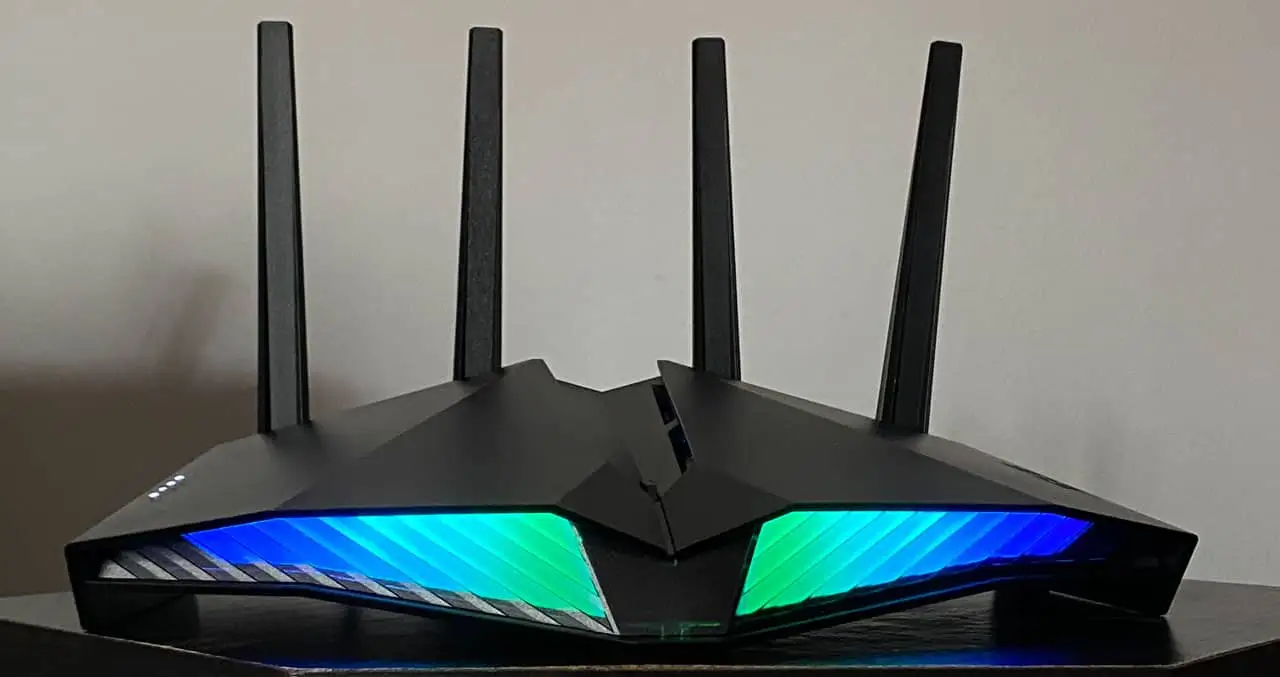
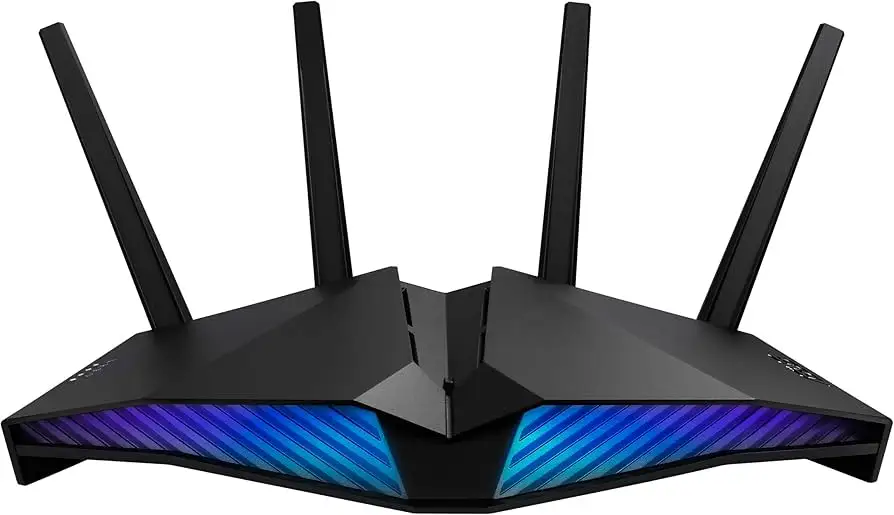
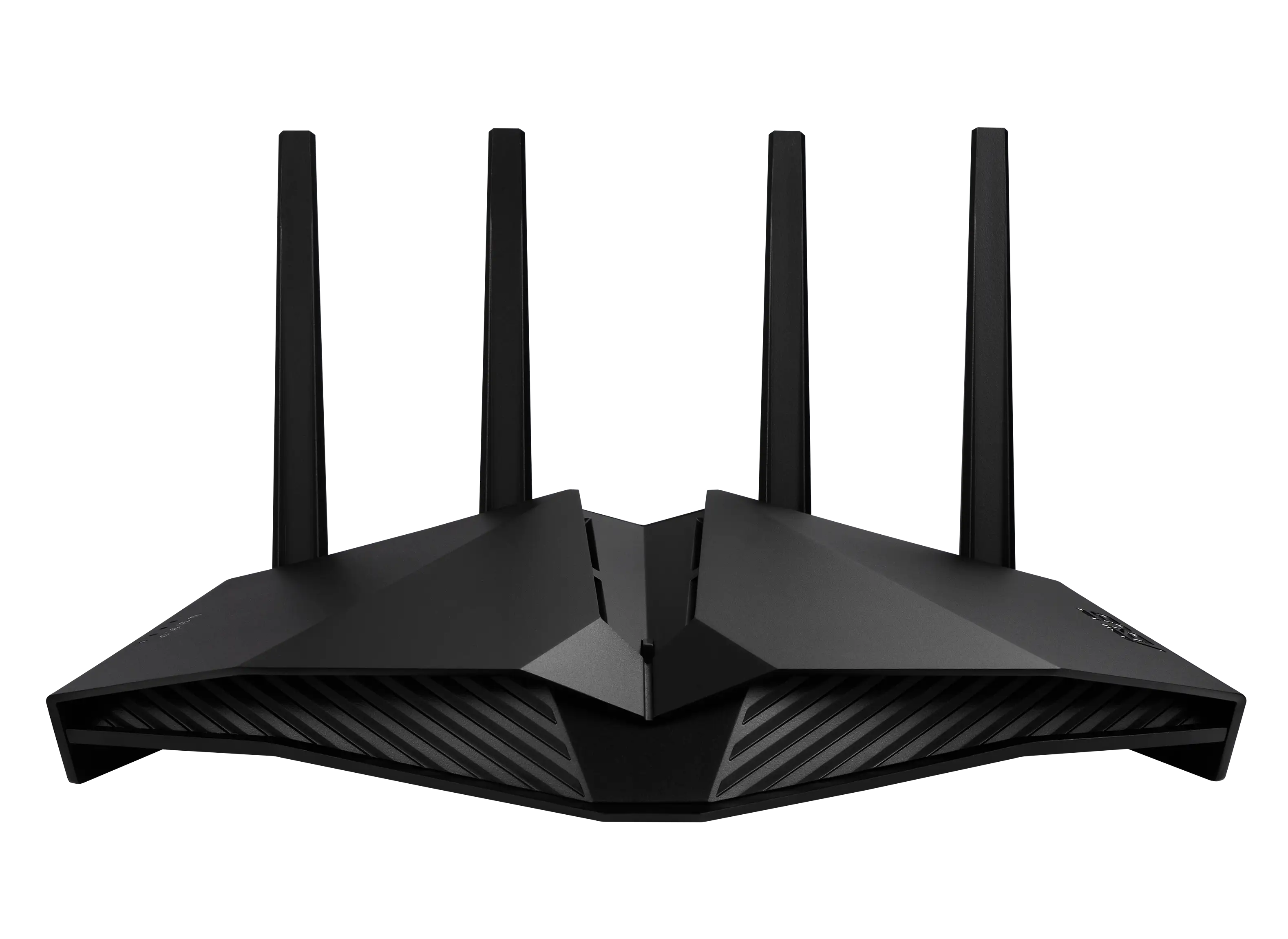
Despite firmware updates, a pattern of Wi-Fi instability shows up. Newegg’s con list includes “Wi-Fi dropping out” and Reddit threads point to Adaptive QoS as a culprit for bottlenecks. Colorful lighting is popular, but “limited RGB control” frustrates those wanting full customization. Build quality divides opinion: while the angular design earns praise aesthetically, one buyer called it “flimsy” compared to heavier routers.
Price is another sore point. At ~$230 retail on Amazon AU and $129–$205 used on eBay, multiple users classify it as “expensive” for four LAN ports and no 2.5 Gbps wired interface. Language settings quirks in firmware updates have annoyed international owners who must reset to regain their preferred UI.
Divisive Features
Adaptive QoS is perhaps the most polarizing tool. Some gamers like the simplicity—set “Gaming” priority and forget—but power users almost unanimously advise manual traffic shaping. RGB lighting divides the crowd too; for some, it’s a “stylish gaming setup,” while others disable it entirely to avoid distraction. AiMesh support earns love from multi-router households but draws shrugs from single-router buyers who deem it unnecessary.
Trust & Reliability
No widespread scam concerns emerge, but Trustpilot and Reddit establish an important picture: reliability hinges on firmware stability. “Frequent firmware updates” are praised on Newegg, yet EldestTheGreat*** detailed past disasters with other brands’ updates bricking routers—something he hasn’t experienced with ASUS so far. Six-month follow-up posts from Reddit show continued high performance “as long as you stick with traditional QoS” and avoid untested beta firmware.
Durability in daily use fares well; even refurbished units on eBay (90-day manufacturer warranty) are “fully operational” per seller notes, with minimal cosmetic wear. This suggests decent build longevity despite criticism of plastic feel.
Alternatives
Within ASUS’s own line, the RT-AX86U is the most obvious upgrade, boasting AX5700 speeds and better wired options at a higher price. Several Redditors debated the jump: the 86 “bumps the game up a notch,” but if budget is tight, the 82U covers “most networking scenarios” in a home. Netgear’s X-series gets mentioned in contrast—users fleeing X6S for the 82U tend to cite “no working QoS” and chronic lag as reasons.
Price & Value
Market value varies sharply by source. Brand-new units list around AU$377 on Amazon, but eBay open-box deals dip to $134.90 USD. Over time, depreciation appears manageable; used listings keep strong resale thanks to WiFi 6 relevance and gamer appeal. Community buying tips repeatedly suggest watching for discount events from official ASUS resellers or grabbing refurbished models with warranty—performance is identical if firmware is updated immediately.
FAQ
Q: How many devices can the ASUS RT-AX82U handle at once?
A: Depending on source, between 40–50 devices are supported simultaneously, with MU-MIMO and OFDMA helping maintain stability.
Q: Does this router have multi-gigabit LAN ports?
A: No. All four LAN ports are Gigabit Ethernet; it lacks a 2.5 Gbps port, which may limit extreme wired setups.
Q: Is Adaptive QoS worth using for gaming?
A: Feedback suggests traditional QoS yields steadier ping under load. Adaptive QoS can cause bottlenecks, especially on saturated connections.
Q: Can the RGB lighting be fully customized?
A: Not entirely. While ASUS Aura RGB lets you choose effects and colors, some users call controls “limited” compared to PC RGB suites.
Q: Does it support mesh networking?
A: Yes, via ASUS AiMesh, allowing integration with other compatible routers under one SSID.
Final Verdict
Buy if you’re a gamer or streamer who needs fast, stable WiFi 6, robust security, and is willing to tweak QoS settings for best performance. Avoid if you require multi-gigabit wired speeds or want fully customizable RGB. Pro tip from the community: cap bandwidth at 50% for consoles in traditional QoS and prioritize them in Gear Accelerator—this simple tweak turned “insane lag” into buttery-smooth sessions for one Reddit gamer.





