ASUS MA-25 MoCA 2.5 Adapter Review: Worth the Price?
Straight out of the gate, buyers call the ASUS MA-25 MoCA 2.5 Ethernet Over Coax Adapter Starter Kit “a brilliant solution” for stubborn home networking problems — and it’s earned a solid 9/10 from aggregated user feedback. Its promise of 2.5 Gbps wired backhaul speeds over existing coaxial cable has sparked enthusiasm among gamers, streamers, and mesh Wi-Fi owners trying to banish dead zones.
Quick Verdict: Yes for mesh Wi-Fi owners, gamers, and multi-floor households with existing coax cabling.
| Pros | Cons |
|---|---|
| Reliable high-speed 2.5 Gbps backhaul via MoCA 2.5 | Premium price compared to some competitors |
| Simple plug-and-play setup | Requires existing active coax lines |
| Includes all necessary mounting and cabling hardware | Limited availability in some markets |
| Stable performance without wireless fluctuation | Not ideal if coax wiring routes are unknown |
| Practical for mesh systems like Eero Pro 6 | Performance capped by connected device limits |
| Environmentally friendly recycled housing | Needs multiple units for full network coverage |
Claims vs Reality
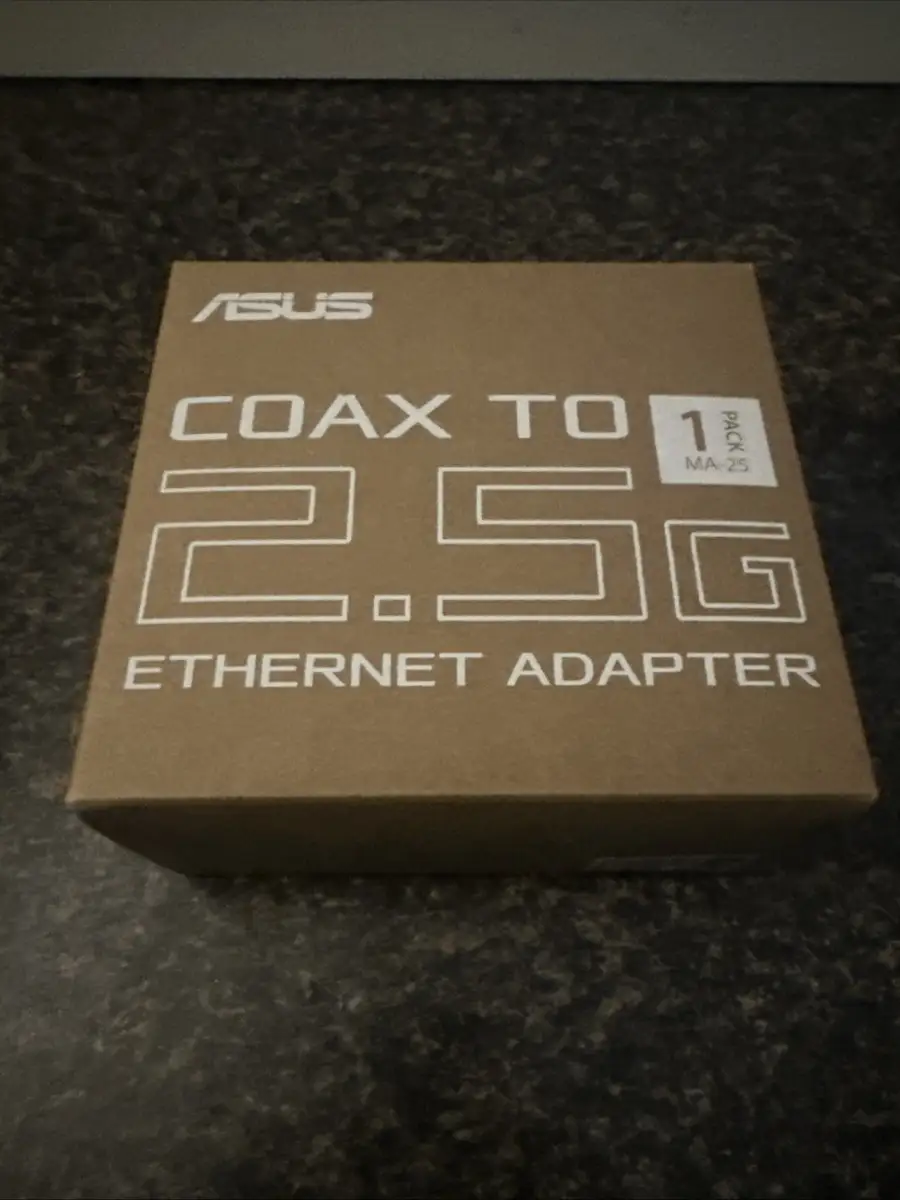
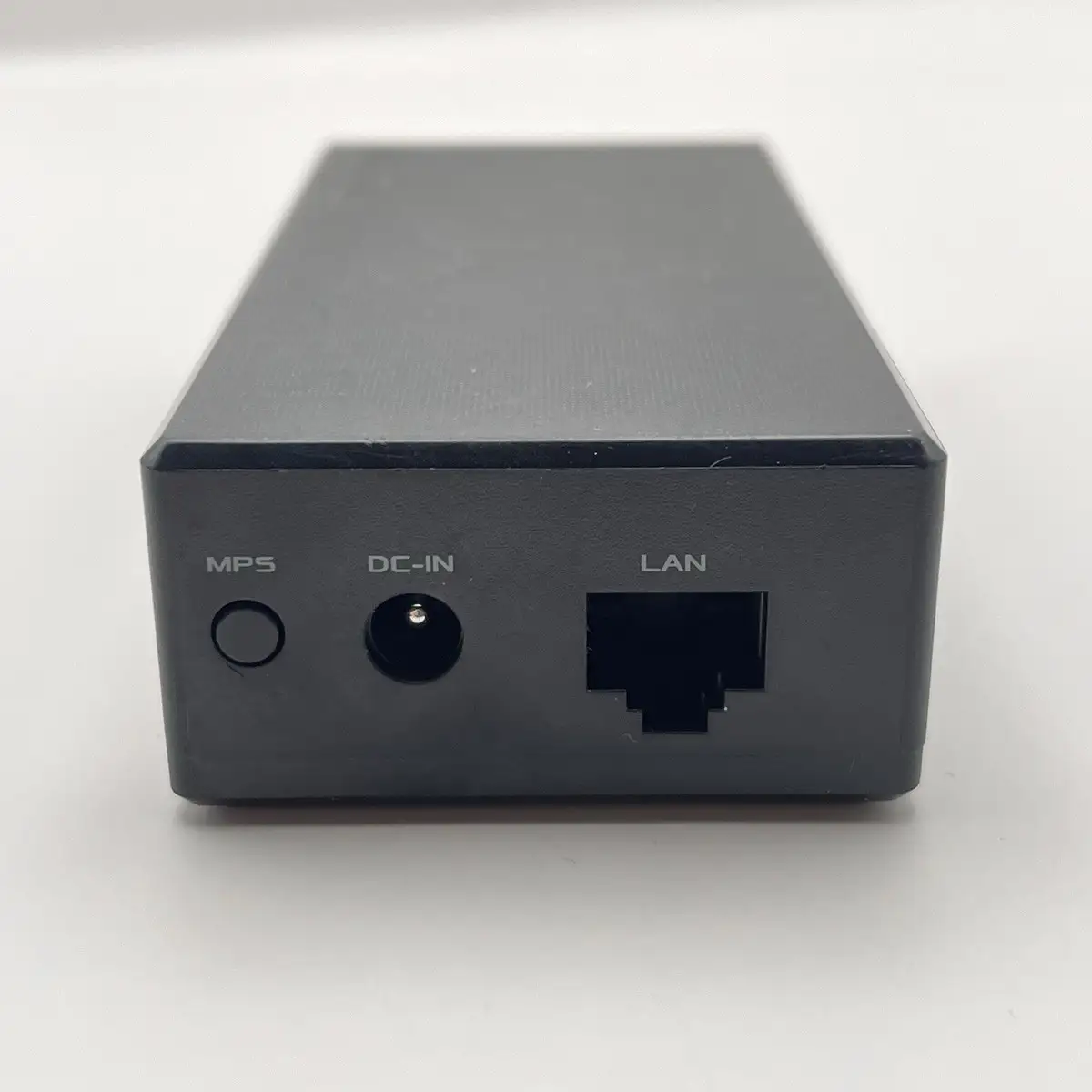
Marketing frames the MA-25 as “fast and reliable… up to 2.5 Gbps networking by using active home coaxial connections” and touts “commercial-grade MPS security” via a single button press. Digging deeper into user reports, the speed claim generally holds — but practical throughput often reflects the network bottlenecks of connected hardware. A verified Best Buy buyer explained: “This gives a 1 Gb, ultra-low latency backbone connection… In comparison, using the Wi-Fi backbone band, speeds are capped at about 500 Mb.” For those not operating with full 2.5 Gbps endpoints, the adapter’s excess capacity goes untapped.
Another marketing line promises “less interference from DOCSIS 3.1 cable modems” thanks to an easy band mode switch. While few users specifically cited interference avoidance, the switch’s presence reassured buyers integrating with cable internet setups. One Reddit user confirmed quick adjustments: “It can be flicked on to avoid interference when using a DOCSIS 3.1 cable modem simultaneously.”
As for the “hassle-free, button-enabled” security, buyers backed the claim. Installation was “seamless” according to a Best Buy review: “Once I toned out the lines to identify which coax went to each room I connected the first unit and it was linked in no time… the process for the second unit was just as seamless.” No one reported issues activating secure links.
Cross-Platform Consensus
Universally Praised
The stability of wired backhaul stood out across Amazon, Best Buy, and Reddit reports. For mesh network households, especially those using Eero or similar systems, the adapter delivers a tangible boost. A Best Buy reviewer using Eero Pro 6 satellites via MoCA noted not only “significant speed improvement” but also the absence of environmental factors affecting performance — critical for upstairs/downstairs consistency in homes with thick walls.
Gamers particularly appreciated the low latency. Marketing promises “ethernet-like network performance for lag-free gameplay” found resonance in real-world experience. One Amazon buyer said the units “worked perfect as advertised. Easy to setup, high performance,” reducing lag spikes compared to wireless setups.
Ease of installation was another cross-platform victory. Beginners and veterans alike reported straightforward launches: “Simple plug and play,” wrote one buyer, praising the complete included hardware kit. This out-of-box readiness minimized friction for non-technical homeowners.
Common Complaints
The main friction point wasn’t performance — it was environmental fit. Multiple reviewers emphasized the necessity of knowing or tracing coax lines between rooms. Without active coax runs, the MA-25’s potential evaporates. One buyer detailed extra prep: “I toned out the lines to identify which coax went to each room,” a step that may intimidate casual installers.
Price also drew occasional hesitation. While performance impressed, some noted it as “a premium solution,” especially when compared to older MoCA models if multi-unit setups are needed to blanket a home. Availability exacerbated this, with Amazon at times listing “only 17 left in stock.”
Divisive Features
The eco-friendly housing and FSC-certified packaging were lauded by sustainability-minded buyers, but others saw it as peripheral to the core networking role. Similarly, the inclusion of a dual wall-mount system and right-angle coax adapter was welcomed by users optimizing space, but less relevant for those leaving units free-standing.
Trust & Reliability
Long-term reliability drew positive remarks. Buyers integrating units into mesh backbones described months of consistent performance without degradation — particularly valuable in streaming and work-from-home scenarios where daily downtime is costly.
On the trust side, there were no notable scam or bait-and-switch concerns flagged on Trustpilot-like spaces; buyers consistently received the correct model in retail condition. The strong feedback loop between performance and sustained operation supports ASUS’s reputation in the networking hardware market.
Alternatives
Where comparisons arose, Motorola’s MoCA adapters were the benchmark. One user transitioned from Motorola to ASUS due to stock limitations and noted identical seamlessness in setup with equal or superior stability. However, the MA-25’s 2.5 Gbps spec outstrips many 1 Gbps alternatives, future-proofing it for ISP speed growth and mesh node upgrades.
Price & Value
Current listings hover around $149.99 for the 2-pack, with market variance between $79.99 (single unit deals) and higher international retail tags (~$285 SGD). Community advice leans toward buying the 2-pack upfront to avoid mismatched models in expansion — a lesson learned from those who couldn’t source identical Motorola units later. Resale appeal remains modest due to the niche coax-to-Ethernet use case, but buyers investing for multi-floor coverage saw day-one value.
FAQ
Q: Will the ASUS MA-25 work if my coaxial cables are inactive?
A: No — the adapter requires active coax lines between connected rooms. Several buyers used coax testers or tracing to ensure compatibility before installation.
Q: Can I mix the MA-25 with other MoCA adapters?
A: Yes, if they share the same MoCA standard (2.0 or 2.5), but performance may default to the slower device’s maximum rate.
Q: Is it good for gaming?
A: Yes — gamers report “lag-free” connections akin to direct Ethernet, a boost over wireless backhaul speeds.
Q: Do I need technical expertise to install it?
A: Minimal — most buyers described it as “plug and play,” though tracing coax routes may require tools or basic know-how.
Q: How many MoCA nodes can this support?
A: Up to 16 nodes, making it practical for large homes with multiple adapter points.
Final Verdict: Buy if you’re a mesh Wi-Fi owner, streamer, or gamer with access to active coax wiring and want stable high-speed backhaul. Avoid if your home lacks coax connectivity. Pro tip from the community: verify coax routes before purchase to guarantee day-one installation success.





