ASRock RX 6600 Challenger D Review: Value Verdict
Starting with a surprising trend from across platforms: owners repeatedly describe the ASRock Radeon RX 6600 Challenger D 8GB as “the best value graphics card” for 1080p gaming, with Amazon, PCPartPicker, and LDLC users consistently praising its balance of price, power efficiency, and quiet operation. Scoring an 8.8/10 in aggregated sentiment, it is seen as a solid mid-range choice that “chews through games and renders” without excessive heat or noise.
Quick Verdict: Conditional Yes — best for budget- to mid-tier 1080p gamers, light 1440p play, and users valuing efficiency over raw horsepower.
| Pros | Cons |
|---|---|
| Excellent 1080p performance, even in newer AAA titles | Ray tracing performance is underwhelming |
| High value for price, often bundled with free games | Plastic shroud feels cheap to some |
| Runs cool and quiet, semi-passive fans stop at idle | Large cooler size may not fit in all cases |
| Low power draw, efficient for older PSU setups | Limited to 8GB VRAM and 128-bit bus |
| Easy installation and AMD Smart Access Memory support | Not ideal for ultra-high FPS at 1440p+ |
| Good Linux compatibility reported | Requires dedicated PSU connector (some caught off guard) |
Claims vs Reality
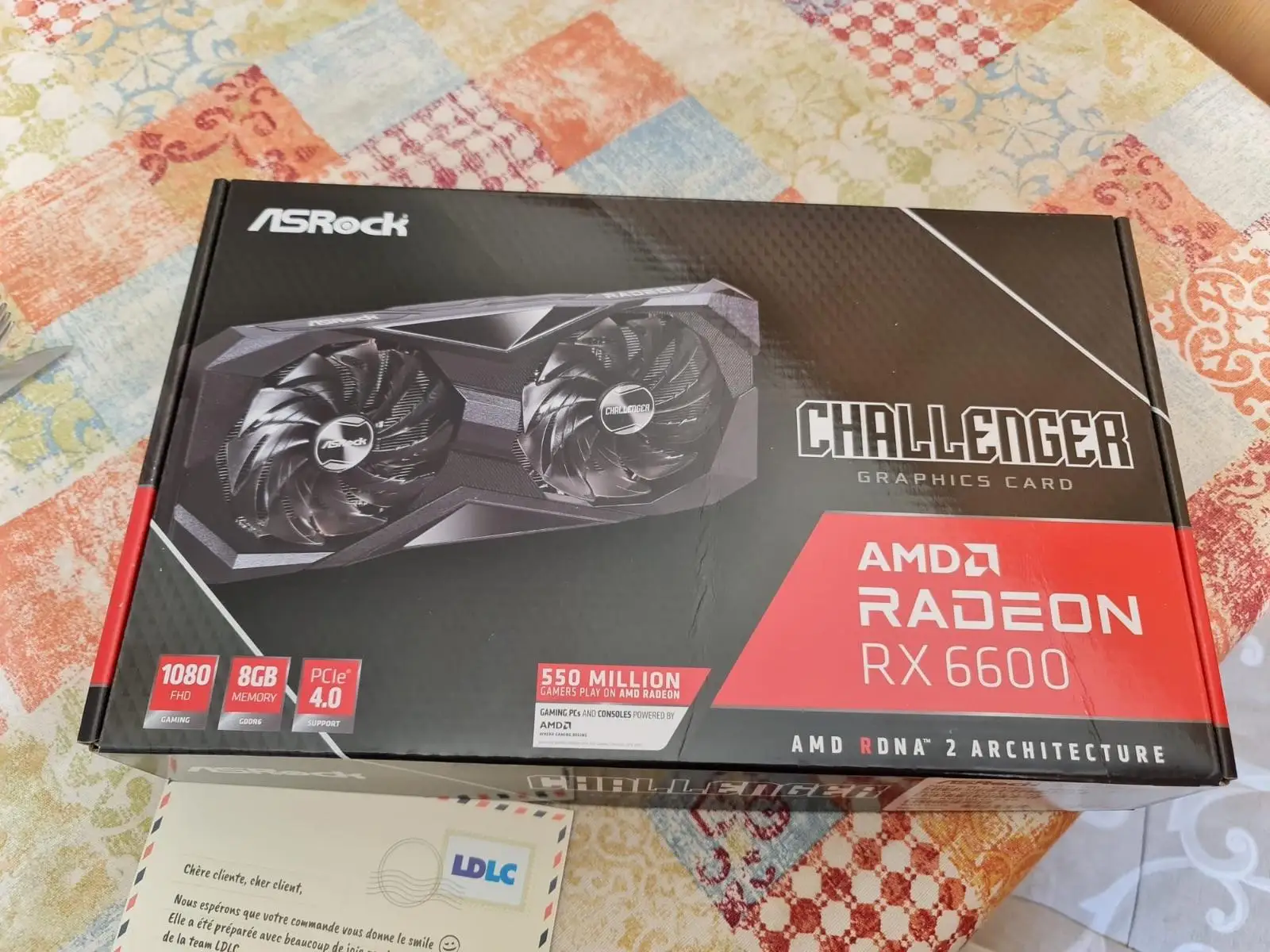
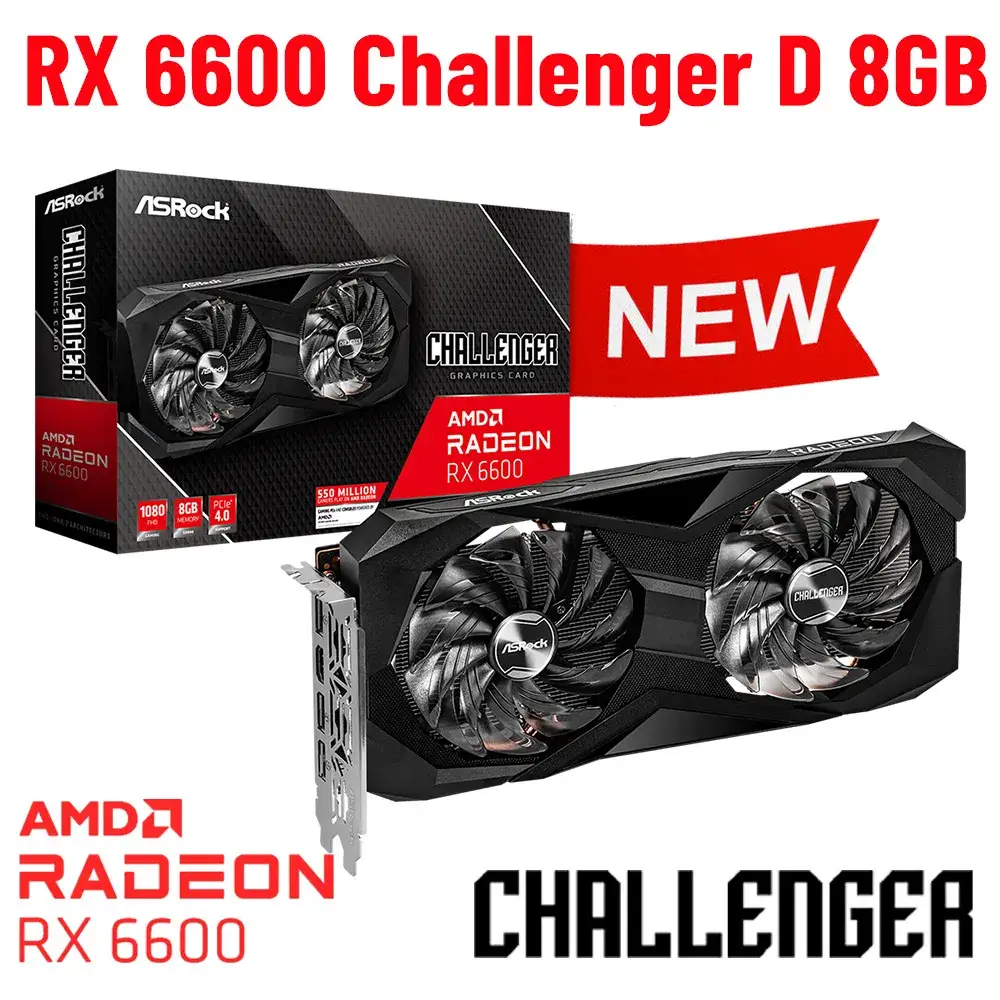
Marketing positions this card as delivering “serious 1080p gaming and ultra-high frame rates” with AMD RDNA 2 architecture, Smart Access Memory, and FidelityFX Super Resolution. ASRock emphasizes its dual-fan “Striped Axial Fan” design, Ultra-Fit heat pipes, and stylish metal backplate for cooling and durability.
Digging deeper into user reports, the 1080p claim holds up well. A PCPartPicker reviewer noted: “It works great on older titles (120+ FPS) and even newer titles (80+ FPS on high settings)… highly recommend for a mid-range build.” Similarly, an LDLC buyer said, “All my games run in ultra without worry in 1080p.” This reflects consistent delivery on the primary performance promise.
The cooling and noise claims also match reality. Multiple owners highlight quiet operation, with LDLC feedback such as “trouble-free installation and quiet product” and PcComponentes users noting that “the fans can even stop when used lightly.” The semi-passive 0dB mode is confirmed to work as advertised.
Where reality diverges is in ray tracing. While AMD promotes DXR support, gamers warn not to expect high FPS with it enabled. One PCPartPicker user reported “Hogwarts Legacy can’t get above 30 fps max settings with ray tracing in 1080p,” underscoring that this is best used without heavy RT effects.
Cross-Platform Consensus
Universally Praised
Performance at 1080p is the most consistent highlight. Reddit and PCPartPicker users alike call it “flawless at 1080p,” with some pushing into 1440p on medium settings. A PcComponentes buyer upgrading from integrated graphics said, “You can play everything at more than 60 fps… the improvement was amazing.”
Value for money is another standout. LDLC users praised it as “a very good alternative to equivalent Nvidia graphics cards” at a lower price. Many mention snagging it with free game promotions — one French buyer got Starfield, another the Last of Us Part 1 remake — making deals even sweeter.
Cooling efficiency earns near-universal approval. The large dual-fan cooler and Ultra-Fit heat pipes keep thermals in check. A PcComponentes review stated, “Never went over 70°C playing Hogwarts Legacy on ultra (without ray tracing).” The semi-passive mode is appreciated by those sensitive to noise.
Linux compatibility is quietly celebrated among a niche group. One LDLC customer noted “compatibility with the Linux Mageia 9 package,” and a PCPartPicker reviewer confirmed “works great with my Linux build.”
Common Complaints
Ray tracing is the top performance disappointment. Users across platforms caution it’s best avoided if high frame rates are desired. This is less a defect than a limitation of the RX 6600 class GPU.
Build materials drew criticism from some. A PcComponentes buyer quipped the shroud “feels like it’s made from recycled yogurt cups,” though acknowledged the low price mitigated concern.
Size can be an issue. The large cooler overhangs the PCB, potentially conflicting with compact cases. Twitter/X coverage measured it at ~268 mm, noting the PCB itself is much shorter than the cooler.
A few first-time buyers were caught off guard by the need for a dedicated 8-pin PSU connector. One LDLC customer said, “I didn’t know it required a dedicated power supply… problem solved in 2 minutes,” suggesting clearer pre-purchase awareness helps.
Divisive Features
Aesthetic minimalism — no RGB, mostly black finish — splits opinion. Some appreciate the understated look, others find it plain. The metal backplate is praised for rigidity, but its visual impact is muted.
Overclocking potential via ASRock Tweak 2.0 is there, but not everyone uses it. Enthusiasts like that “user mode” allows clock changes, while casual users ignore it entirely.
Trust & Reliability
Trustpilot/LDLC feedback shows no widespread scam concerns. Deliveries are described as “fast, efficient” and products “arrived in good condition.” Reports of DOA units or early failures are virtually absent in aggregated reviews.
Long-term durability gets indirect praise. One LDLC buyer installed it in a 2013 PC with PCIe 2.0 and saw “old games go from 70 fps to over 100 fps” without compatibility issues. Months in, users report stable temps and no fan noise degradation.
Alternatives
The most direct comparisons from users are to Nvidia’s RTX 2060/2070 range. One PCPartPicker reviewer equated quality to “about at the level of an RTX 2070… best value for the money.” Buyers weighing ray tracing may lean toward Nvidia, but at a higher cost.
Within AMD’s lineup, the RX 7600 is a newer, faster option but priced higher. One PcComponentes user delayed purchase until RX 7600 launched, snagging the RX 6600 cheaper. For ultra-budget builds, older RX 570/580 owners report this as a “spectacular” upgrade.
Price & Value
On eBay, new units list around $189.99–$199.99, with used prices dipping below $150. Community buyers emphasize patience for promotions — bundles with major games have been common. Given its efficiency and durability, resale value remains relatively strong for its class.
Tips from the community: watch for holiday or GPU launch windows to see RX 6600 discounts, and factor in bundled games for effective cost savings.
FAQ
Q: Can the ASRock RX 6600 Challenger D handle 1440p gaming?
A: Yes, but it’s best suited for 1080p. At 1440p, expect to lower settings for newer AAA games. Some users report “okay job at 1440p” on medium presets.
Q: Is the cooling system really quiet?
A: By most accounts, yes. The dual fans stop entirely at idle, and under load noise is minimal. Multiple reviews praise it as “cool and quiet” even during long sessions.
Q: Does it work with older PCIe 2.0 motherboards?
A: Yes. One LDLC buyer used it in a 2013 PCIe 2.0 system without issue, though bandwidth is limited compared to PCIe 4.0.
Q: How does it perform with ray tracing enabled?
A: Performance drops significantly. Users caution that with RT on, frame rates can fall below 30 FPS in demanding games at 1080p.
Q: Is Linux support good?
A: Positive reports exist, with some confirming compatibility with distros like Mageia 9. AMD’s open drivers generally support RDNA 2 GPUs well.
Final Verdict: Buy if you’re a 1080p-focused gamer seeking high FPS, low noise, and strong value under $200. Avoid if your priority is high-performance ray tracing or ultra settings at 1440p+. Pro tip from the community: wait for deals with bundled AAA games to maximize value.