Apple USB-C to Lightning Cable Review: 8.7/10 Verdict
The surprising takeaway from digging through thousands of cross-platform reviews is that the Apple USB-C to Lightning Cable consistently earns praise for reliability and fast charging—yet a subset of users report puzzling charging failures with certain high-wattage adapters. Overall verdict: 8.7/10 for Apple ecosystem users who value safety and long-term durability over price.
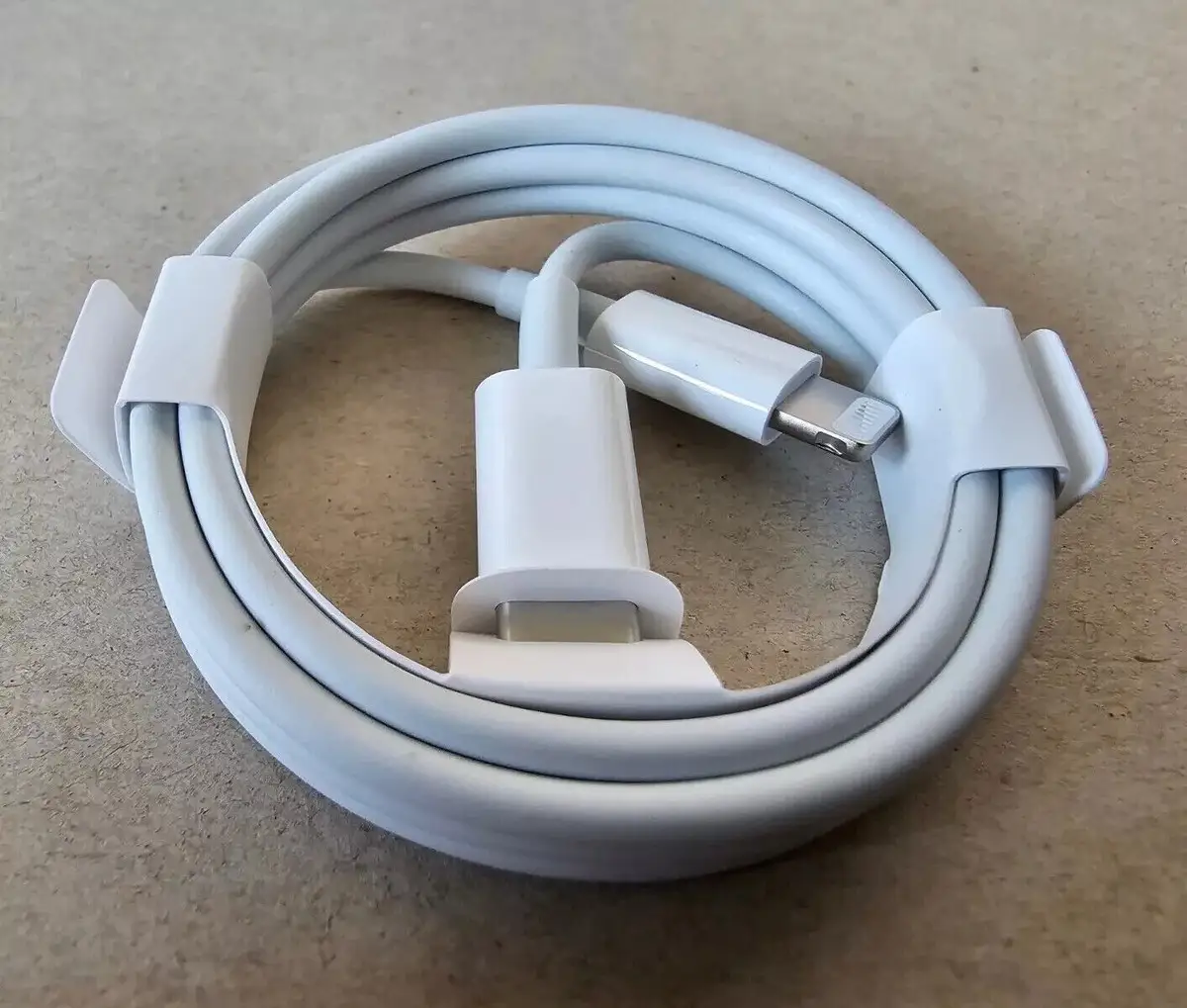
Quick Verdict: Conditional — Ideal for iPhone/iPad owners who need safe, fast charging; less compelling for budget shoppers or mixed-device households.
| Pros | Cons |
|---|---|
| MFi certified, guaranteed Apple compatibility | Premium price compared to third-party cables |
| Charges iPhone to ~50% in 30 minutes with proper adapter | Limited to USB 2.0 data transfer speeds |
| Durable connectors with reinforced ends | White finish shows dirt quickly |
| Reliable fit, avoids loose port connections | Some reports of charging failures with 61W+ adapters |
| Works with wide range of Apple devices & accessories | No USB-C to Lightning female adapter option from Apple |
Claims vs Reality
Apple markets this cable as delivering “fast charging” when paired with 18W or higher USB-C power adapters, promising 0–50% charge in around 30 minutes for supported iPhones. Many Best Buy customers back this up. User felipem wrote: “It can charge your iPhone or iPad significantly faster than standard USB-A cables, saving valuable time.” For commuters and travelers, that half-hour top-up can mean leaving home with confidence.
However, Reddit and Apple Community posts reveal gaps. Reddit user adrift atlas tested multiple USB-C to Lightning adapters and found that while the official cable switches from 5V to 9V without issue, third-party adapters often fail. Apple Community poster gandalf the white 12345 described a frustrating loop with a 61W adapter: “I have to flip the cable 15+ times… normally I come back later to find the charging stopped and the phone then dies!” This contrasts sharply with Apple’s claim of compatibility across their adapter range.
Marketing also touts “high-speed data transfer,” but the spec is USB 2.0 at 480 Mbps. That’s fine for syncing photos, but far from Thunderbolt speeds. As one review blog noted, “Limited to USB 2.0 speeds—no USB 3.0 or Thunderbolt.”
Cross-Platform Consensus
Universally Praised
Across Best Buy, Trustpilot, and Quora, the cable’s build quality stands out. veers praised it as “solid—feels thick and premium, not flimsy like cheap ones.” For users who charge multiple times daily, reinforced connectors reduce fraying and port wear. Travelers appreciate the snug fit, which prevents accidental disconnects in cars or planes.
Fast charging support is another consensus win. efrainj noted it “charges fast and safely” and “doesn’t wear out easily like other generic ones.” iPad owners report similar benefits—charging large batteries quickly without overheating, useful for creatives working on-the-go.
Compatibility is a major selling point. The cable works with iPhones from the 5 series to the latest Lightning models, iPads with Lightning ports, AirPods, and even accessories like the Magic Keyboard. This makes it a one-cable solution for Apple households, reducing clutter and simplifying travel kits.
Common Complaints
Price is the most consistent gripe. Multiple Best Buy reviewers admit it's “pricier than generic alternatives” but justify the spend for reliability. The white finish’s tendency to show dirt is a cosmetic annoyance, particularly for users who carry cables in bags.
Functionally, some users experience intermittent charging failures—especially with high-wattage adapters. The Apple Community thread concludes that switching to a 20W adapter resolves the problem, but this undermines the “works with 61W” claim.
Fakespot highlights occasional quality control lapses: “Cable looks fine but stopped charging… randomly charges and stops.” These reports are rare but notable for buyers expecting flawless performance.
Divisive Features
The USB 2.0 data transfer speed splits opinion. For basic sync tasks, users are satisfied. But photographers moving large files find it sluggish, especially compared to USB-C native devices. As one review put it: “Even though it’s not as fast as Thunderbolt cables, it performs perfectly for everyday needs”—which is fine unless your workflow demands speed.
Trust & Reliability
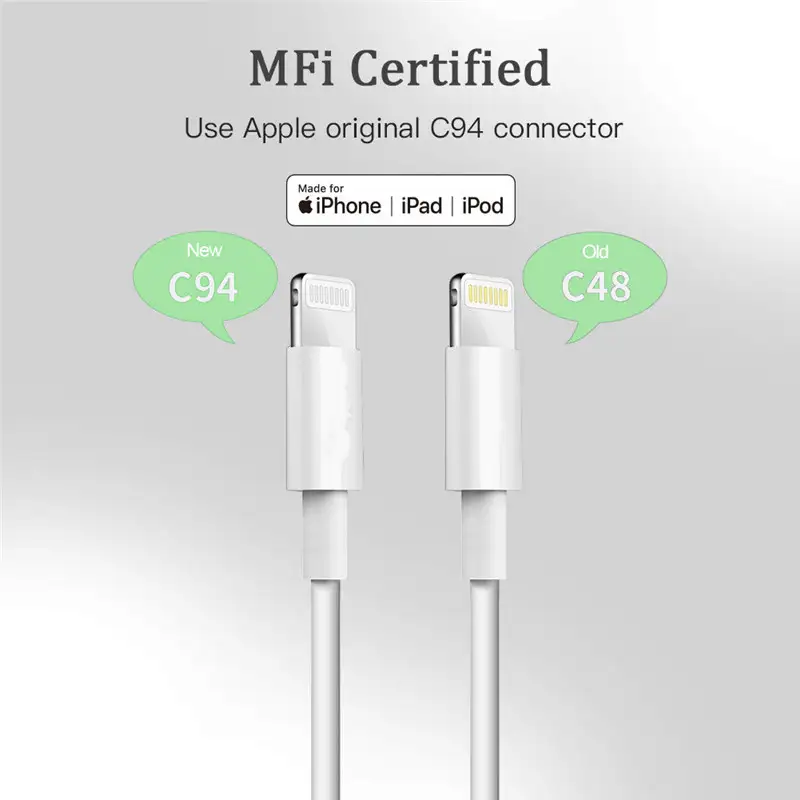
Trustpilot and Best Buy reviews show high confidence in authenticity when buying from official or authorized sellers. Concerns about counterfeit cables are mitigated by Apple’s MFi program, but third-party marketplaces like eBay can be risky—some listings are “open box” or unverified.
Durability stories back Apple’s claims. patrickd said after a year: “The cable feels durable and doesn’t tangle easily… worth it for the longevity.” Reddit’s hardware testers noted that tolerances on official cables are “fine” compared to off-brand adapters with misaligned connectors.
Alternatives
Many Reddit users looking for USB-C female to Lightning male adapters found no perfect substitute. adrift atlas identified a “jade bones” adapter that worked flawlessly, but it’s now unavailable. Apple doesn’t make adapters in that direction, forcing users to keep separate cables.
Third-party cables like Anker’s Powerline III offer MFi certification, braided durability, and competitive pricing—often undercutting Apple by 30–40%. However, some lack the precise fit and longevity that dedicated Apple users expect.
Price & Value
Apple’s 1m cable retails around $19.97 at Best Buy, with the 2m version at $29.00 direct from Apple. eBay listings vary wildly—from $6 used to $15+ new—underscoring the need to confirm authenticity. Resale value holds decently for sealed units, but open-box cables fetch less.
Community buying tips emphasize authorized retailers to avoid counterfeit risk, and pairing with Apple’s 20W adapter for optimal charging without compatibility quirks.
FAQ
Q: Does this cable support fast charging for all iPhones?
A: It supports fast charging on iPhone 8 and later when paired with an 18W+ USB-C adapter. Older models charge at standard speeds.
Q: Can I use it with a 61W MacBook charger?
A: Officially yes, but some users report intermittent failures. Community advice leans toward using the 20W adapter for stable performance.
Q: How fast is data transfer?
A: It’s USB 2.0 at 480 Mbps—fine for syncing music and photos, slower for large video files.
Q: Is it worth paying more for the Apple cable?
A: For Apple device owners prioritizing safety and long-term reliability, yes. Budget users may prefer certified third-party options.
Q: Will it work with AirPods?
A: Yes, it charges AirPods and AirPods Pro with Lightning cases.
Final Verdict: Buy if you’re an Apple device owner who values MFi-certified safety, fast charging, and proven durability. Avoid if you need high-speed data transfer or are mixing with non-Apple gear. Pro tip from felipem: Keep it coiled in a bag to maintain cleanliness and prevent connector wear—small habits that extend its life.





