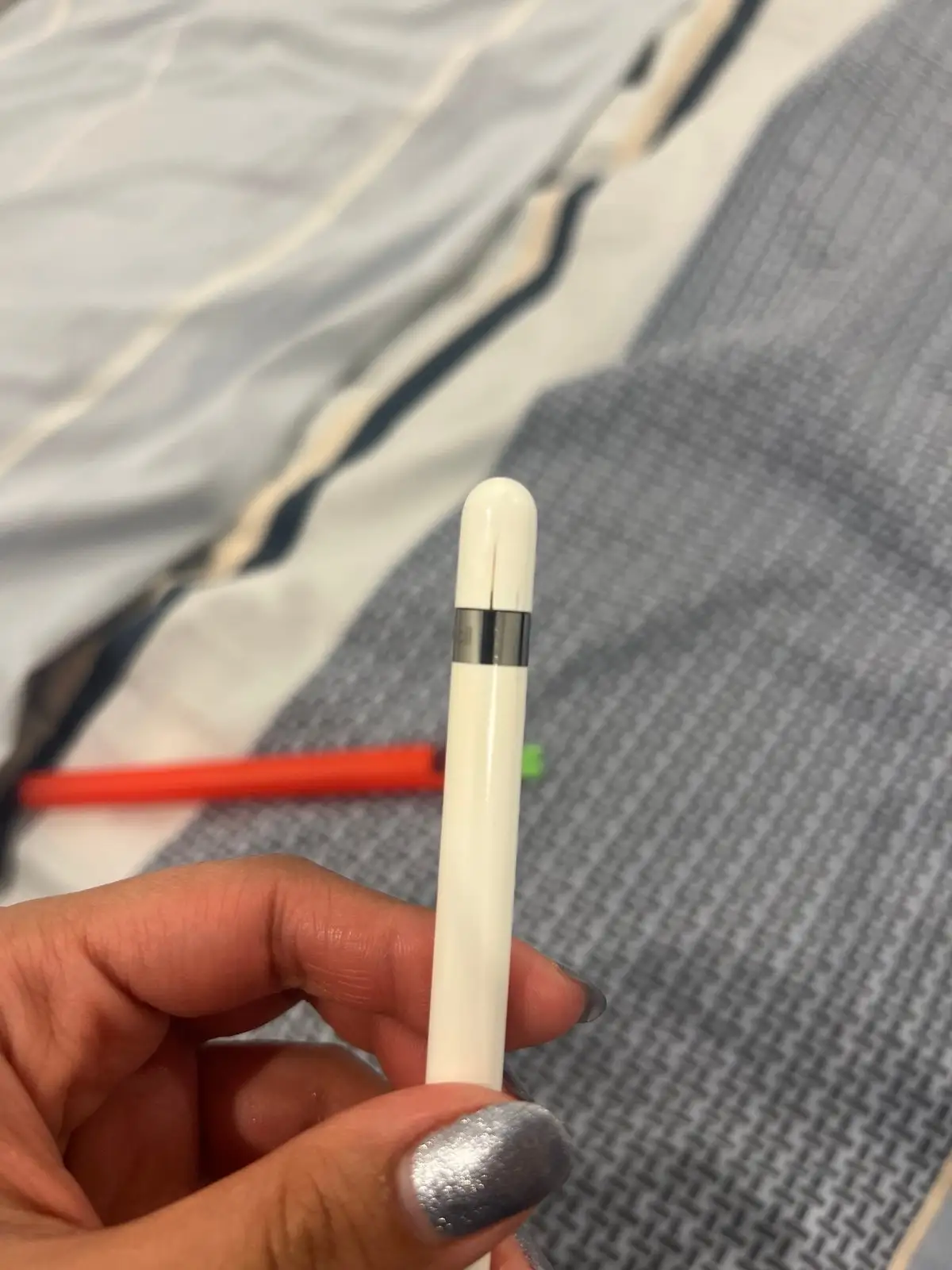
Apple Pencil 1st Gen Review: Precision vs Durability
A surprising number of long-term owners report that the Apple Pencil (1st Generation) can feel indispensable for creative and academic work—yet also unexpectedly disposable when it fails. This duality leaves it with a community-driven score of 7.4/10, balancing exceptional precision against frustrating repair and charging limitations.
Quick Verdict: Conditional — outstanding tool for artists, students, and note-takers with compatible iPads, but durability and charging design can disappoint.
| Pros | Cons |
|---|---|
| Pixel-perfect precision with pressure and tilt sensitivity | Completely sealed, non-repairable construction |
| Low latency for smooth drawing | Awkward charging via Lightning or USB-C adapter |
| Comfortable, sleek design for long sessions | Cap can be lost easily |
| Compatible with a range of older iPads | Battery failure if left discharged for weeks |
| Quick pairing and responsive performance | No shortcut/double-tap features from 2nd gen |
| Enhances digital note-taking, sketching, painting | Limited warranty on replacements |
Claims vs Reality
Apple markets the 1st Gen Pencil as offering “pixel-perfect precision, tilt and pressure sensitivity, and imperceptible lag.” In practice, many users confirm these claims in daily use. A Best Buy reviewer wrote: “It’s incredibly precise, making it perfect for drawing, note-taking, or annotating documents… the low latency makes every stroke smooth and responsive.” Students on Reddit echoed this, with one saying it’s “still better than any other stylus out there for handwriting, besides the 2nd gen.”
However, Apple’s implication of long-term reliability is challenged by multiple reports. On the Apple Community forum, one user noted their Pencil stopped working “just 2 weeks after warranty… irreparable – if it breaks… you can throw it in the trash.” This highlights the sealed design’s downside: unlike the replaceable tip, internal components cannot be serviced.
Apple also touts ease of charging via Lightning. While technically true, users often describe it as awkward. A Best Buy buyer said: “You have to use a charging cable adapter to charge it… if you turn your iPad off or it dies, you have to plug the pencil in to sync again.” The USB-C adapter for newer iPads adds another layer of complexity.
Cross-Platform Consensus
Universally Praised
Across Amazon, Best Buy, and Reddit, pressure sensitivity emerges as a standout feature. For artists, this means varied line thickness and shading without switching tools. A Best Buy reviewer described how even their 5-year-old adjusted stroke width by changing pressure, making it “much better than aftermarket options.”
Students benefit from reduced reliance on paper. A high schooler on Reddit said: “Now I don’t need that many notebooks and I can annotate worksheets right on my iPad.” This convenience extends to professionals marking up PDFs, as noted in Quora’s coverage of editors using it for proofing articles.
Low latency and accuracy also make navigation and interaction feel natural. A Best Buy user praised its “spot-on touch accuracy” and comfort for prolonged use.
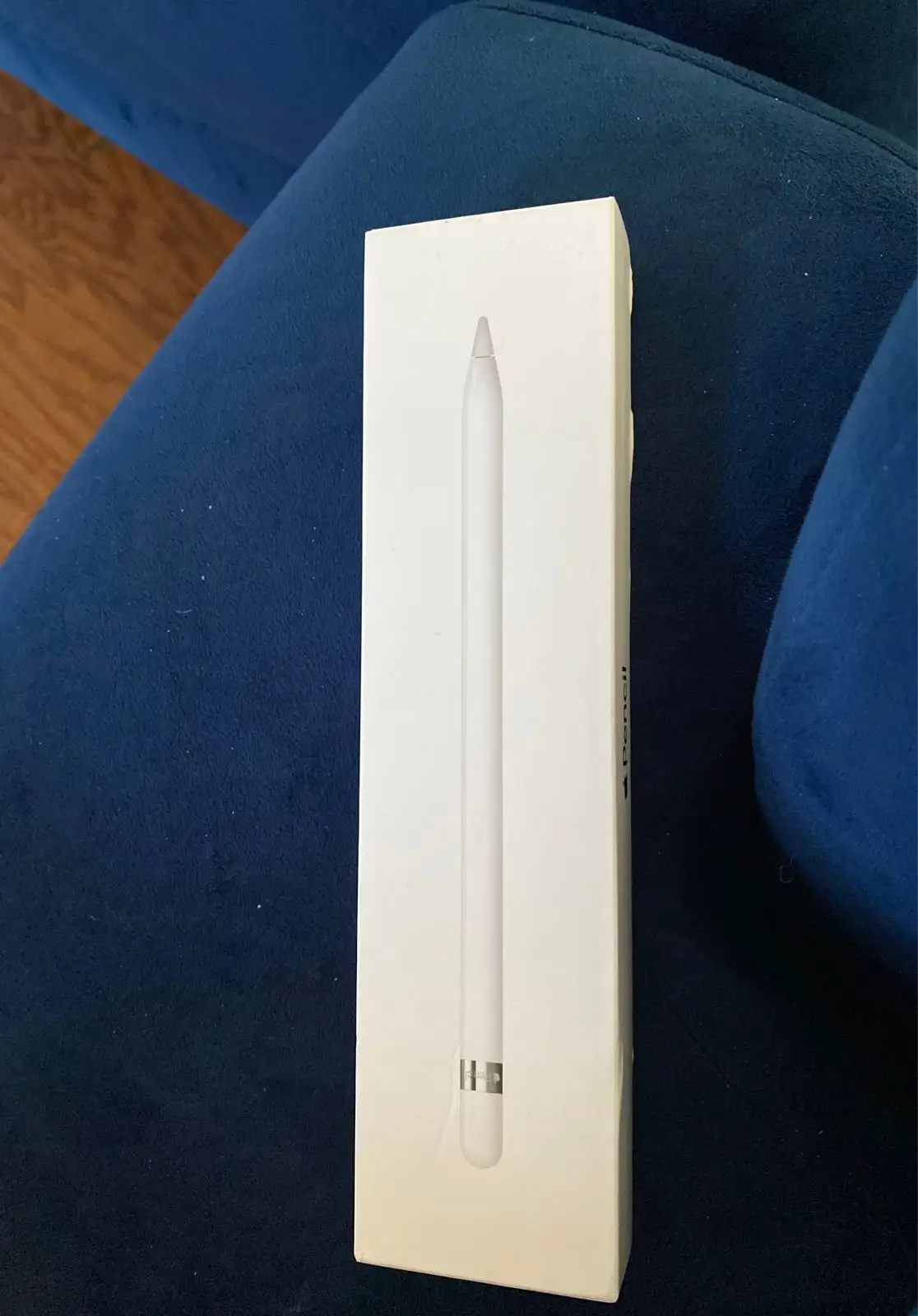
Common Complaints
Durability is the most consistent complaint. Batteries can fail if left discharged for weeks, a point emphasized in Trustpilot reports: “If the apple pencil battery is allowed to drain… it will fail and… you may have to ‘pop’ for another $99 apple pencil.” Multiple users, including Eduardo Ayres on Apple Community, expressed frustration that “there is no way for Apple to access the pencil’s software… it must be replaced.”
Charging design flaws frustrate many. The protruding Lightning connector when charging directly from iPad feels vulnerable, and the cap is easy to misplace. Best Buy reviewers mention the tip loosening over time and the need to re-sync after power loss.
Divisive Features
Compatibility is a dividing line. For owners of older, compatible iPads, it’s a perfect match. Reddit user u/keiraw recommended it “for older iPads” and noted extra tips and connectors included. But for those with incompatible models, the lack of 2nd Gen features like double-tap shortcuts makes it less appealing. Some consider the upgrade worth it purely for wireless charging, while others, like one Reddit user, said “neither of these were a deal breaker for me.”
Trust & Reliability
Trustpilot and Apple Community threads reveal a pattern: once internal faults occur, repair is impossible. This raises ecological and financial concerns. One disgruntled user wrote, “Whatever happens to this device, it cannot be repaired… uneconomic for us clients and unecological for the planet.”
Conversely, some report long-term survival. A forum member claimed, “my own first generation pencil is still working well after five years of light use.” This suggests that careful battery management—keeping charge above 5–10%—may extend lifespan significantly.
Alternatives
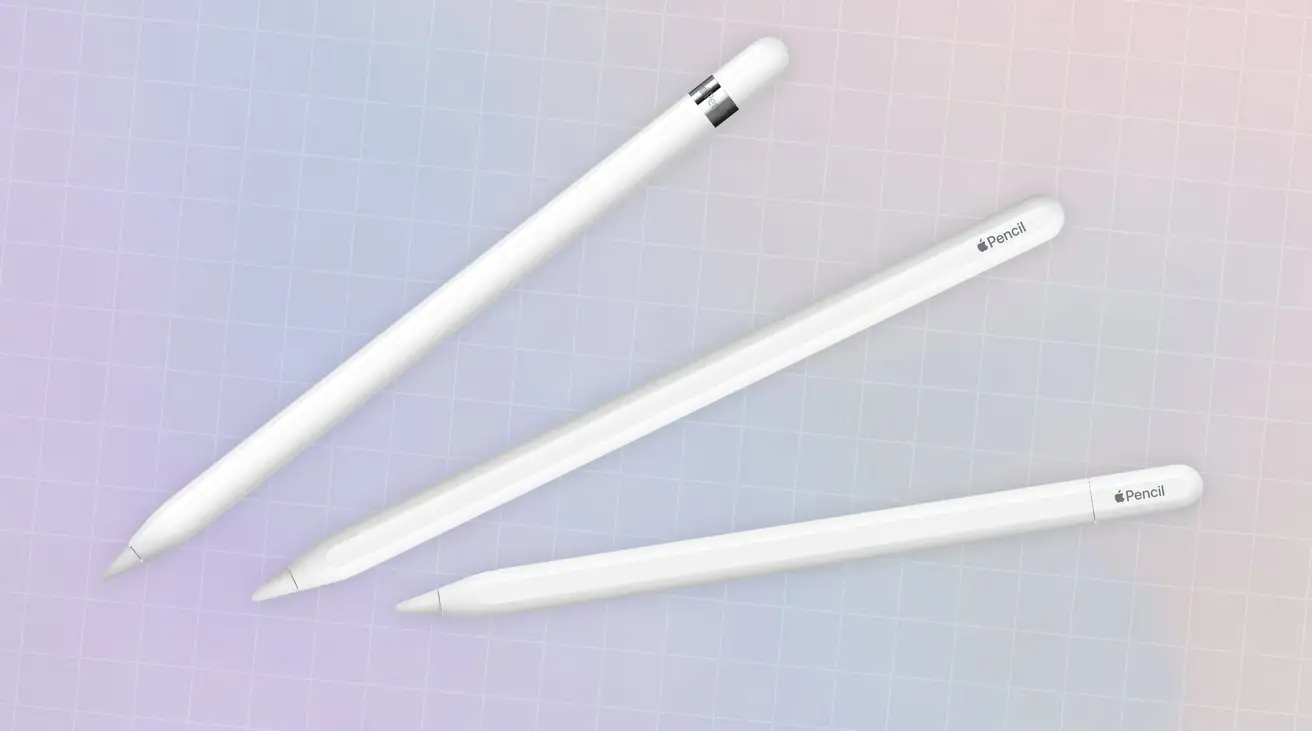
The only competitor mentioned in community discussions is the Apple Pencil (2nd Generation). It offers wireless charging and a double-tap feature for tool switching, but is incompatible with older iPads. For compatible devices, many see these features as worth the higher price. For others, especially with iPad Mini 5 or older models, the 1st Gen remains the only option.
Price & Value
Prices vary widely. Apple’s official retail is $99 (£99 in the UK), with education pricing at $89. On eBay, open box units range from $36–$65, and new sealed models trend around $55–$70. Pre-owned units can drop below $40, but community advice warns against buying used due to potential battery degradation.
Resale value holds moderately due to compatibility with a broad range of iPads. Buying tips from Reddit suggest checking your iPad model’s compatibility before purchase and avoiding used units to prevent early failure.
FAQ
Q: Will the Apple Pencil (1st Gen) work with my iPad Mini 4?
A: No. It is only compatible with iPad Mini 5 and certain other models. Always check Apple’s compatibility list before buying.
Q: How do I prevent battery failure?
A: Keep it charged above 5–10% at all times, even when not in use. Avoid leaving it discharged for weeks.
Q: Can the Apple Pencil be repaired?
A: No. Apart from replacing the tip, it is sealed and non-serviceable. Internal faults require full replacement.
Q: Is it worth upgrading to 2nd Gen?
A: Only if your iPad supports it and you value features like wireless charging and double-tap shortcuts.
Q: Does it work for general iPad navigation?
A: It can, but most find touch navigation faster. The Pencil excels in drawing, note-taking, and annotation.
Final Verdict: Buy if you’re an artist, student, or professional with a compatible iPad who values precision and creative flexibility. Avoid if you need long-term repairability or have a habit of leaving devices uncharged for weeks. Pro tip from community: invest in a case or holder to prevent losing the cap and keep the battery consistently topped up.