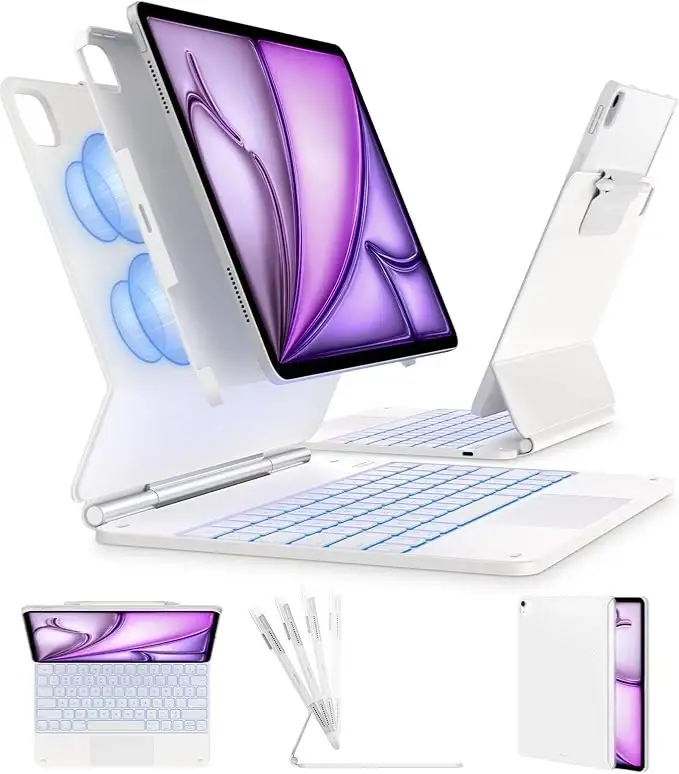
Apple Magic Keyboard iPad Air Review: Conditional Verdict
The most surprising finding from owner feedback is how often users compare the Apple Magic Keyboard and Case for iPad Air 13-inch to a full-fledged laptop—both positively and negatively. While many rate it as “the best iPad keyboard without question” and give it 9/10 for typing feel and build quality, others note its weight makes it “as heavy as a MacBook” and question its value for casual use. Overall verdict: 8/10 for productivity-focused iPad owners, but conditional for those prioritizing portability.
Quick Verdict: Conditional
| Pros | Cons |
|---|---|
| Excellent key feel and tactile response | Expensive compared to alternatives |
| Responsive multi-touch trackpad | Heavier than many laptops when paired with iPad |
| Strong magnetic attachment and stable angles | No compatibility with protective cases |
| Backlit keys for low-light use | Some trackpad wake/click issues |
| Pass-through USB-C charging | Limited to iPadOS app ecosystem |
| Premium build and protective design | Cannot fold fully back for tablet-only use |
Claims vs Reality
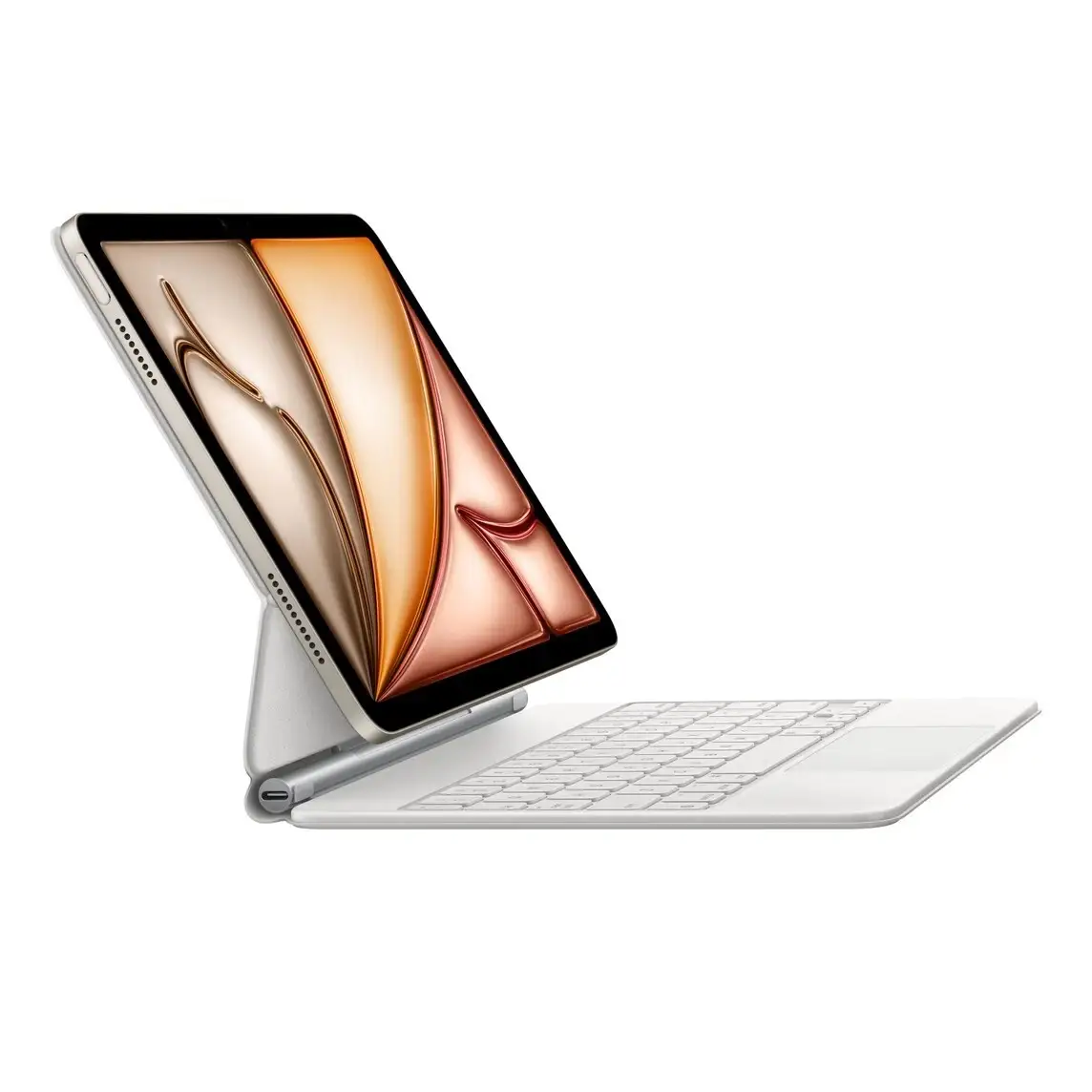
Apple markets the Magic Keyboard as delivering “an amazing typing experience” with a floating cantilever design and “smooth adjustability.” Verified buyers on Best Buy echo the typing praise—Techno wrote: “The keys feel smooth and responsive… it has turned my iPad into the perfect portable workstation.” The floating design is also widely appreciated for its stability and viewing angles.
However, marketing focuses on portability, while Reddit user feedback flags a disconnect. One commented: “It’s so heavy you may as well carry a laptop.” Another joked, “You could kill someone with this keyboard—that’s how heavy it is.” For travel users, weight is a recurring concern, especially when combined with the 13-inch iPad Air.
Apple also highlights seamless integration with iPadOS and multi-touch gestures. While this is true, some Reddit users note iPadOS itself is “nowhere near ready to replace a Mac” due to reliance on restrictive App Store apps. In other words, the hardware delivers, but software limitations remain.
Cross-Platform Consensus
Universally Praised
Typing feel is the standout success. Best Buy reviews repeatedly celebrate its “good key travel… not too noisy” (thm snt) and “bouncy keys, easy and satisfying to type on” (random reviewer). For writers, students, and professionals, the tactile scissor mechanism with 1mm travel seems to hit the right note. Reddit user u/love_my_mk said it “has truly made my iPad a main device for me.”
The trackpad earns near-universal praise for responsiveness and gesture support. Jeff on Best Buy called it “priceless,” noting it keeps his screen fingerprint-free for weeks. For productivity users, this precision control bridges the gap between tablet and laptop workflows.
Magnetic attachment strength and viewing angle stability are another high point. Repro described how “the magnets still have a very strong hold… it just snaps right into the Magic Keyboard.” This stability makes it viable for lap use—something earlier iPad stands struggled with.
Common Complaints
Weight is the most cited drawback. Leslieq praised its sync and typing but warned: “Once you’re carrying around the iPad with the keyboard, it is a little heavy… I would recommend a sturdy bag.” Reddit’s travel-oriented users often default to a MacBook instead when portability is key.
Price is another friction point. At $349–$399 new, buyers compare it to cheaper Bluetooth keyboards. A Reddit poster opted for a backlit Bluetooth model at “1/5th the price” after a poor experience with an earlier Apple keyboard. Even satisfied owners admit the Magic Keyboard is “absolutely an investment piece.”
Compatibility with protective cases is a dealbreaker for some. Jeffs on Best Buy reported: “If you plan to put the iPad into a protective case, the keyboard won’t work… I have to remove the iPad from the case.” This affects field workers or those in rugged environments most.
Divisive Features
Durability perceptions vary. The rigid build feels premium to many, but past issues with Smart Folio blistering make some skeptical. One Reddit user recounted leather peeling and eventual keyboard failure, leading them to avoid the new model.
Function keys are absent in older versions, frustrating some. While newer models add a 14-key function row, earlier buyers like Virgo af wished for “volume controls on the keyboard.”
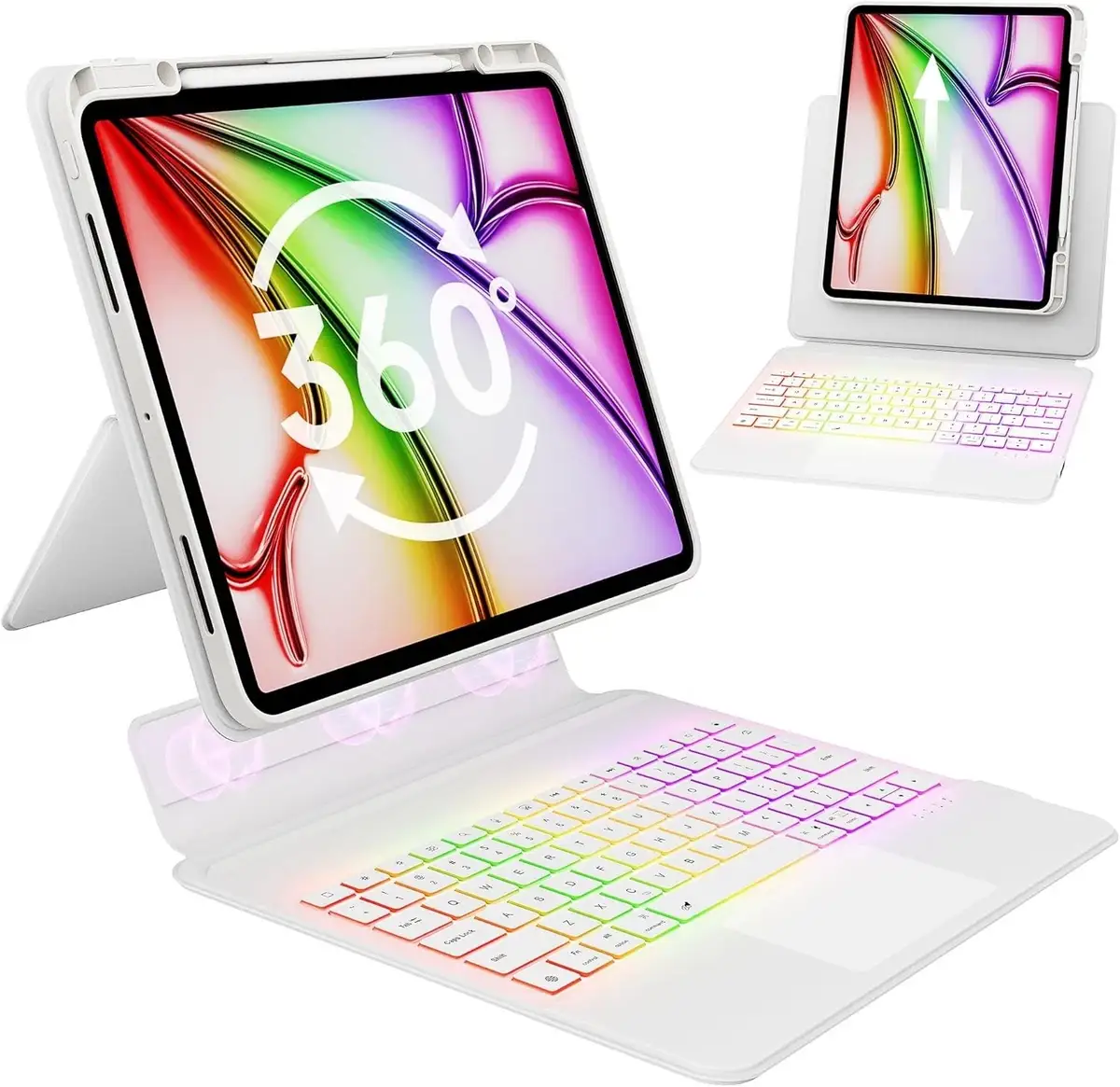
The inability to fold the keyboard fully back divides opinion. Artists using Apple Pencil find they need a separate case for sketching, while writers see the rigid design as a stability advantage.
Trust & Reliability
Trustpilot-sourced Best Buy reviews suggest strong reliability in magnets, hinge, and key mechanisms over months of use. Wendellw noted the “magnets weren’t strong enough” on cheaper models but found Apple’s “a huge upgrade.” However, Reddit’s long-term Smart Folio complaint shows Apple’s past accessory durability isn’t flawless.
Trackpad reliability is mostly solid but with occasional quirks. Will Sci reported “sometimes the trackpad fails to wake the iPad,” though this didn’t outweigh the positives.
Six-month-plus owners often reaffirm satisfaction. Maureens wrote: “Worth it… slim keypad… easy to navigate… highly recommended” after five months, showing sustained utility.
Alternatives
Community discussions frequently mention Logitech and Brydge keyboards. One Best Buy reviewer tried both but concluded “ain’t nothing compares to the Magic Keyboard case” for look and feel. However, budget-conscious Reddit users cite Bluetooth keyboards with backlighting and trackpads as viable for under a third of the price, accepting bulkier covers in exchange for savings.
Price & Value
Retail pricing hovers around $349–$399 CAD/US for new units, with eBay showing $188–$279 for pre-owned or open-box models. Resale value holds relatively well due to limited compatibility across iPad models. Best Buy open-box buyers like Daves note that “it is pricey, but… worth it in my opinion.”
Buying tips from community:
- Look for open-box sales to save ~$70–$100.
- Verify magnet strength in used units.
- Consider white models for reduced visible wear (pw 555, will sci).
FAQ
Q: Does the Magic Keyboard work with protective iPad cases?
A: No—owners report it must attach directly to the iPad. Jeffs warned: “If you plan to put the iPad into a protective case, the keyboard won’t work.”
Q: How heavy is the Magic Keyboard with the iPad attached?
A: Users compare the combined weight to that of a MacBook. One Redditor noted, “It’s so heavy you may as well carry a laptop.”
Q: Can the Magic Keyboard replace a laptop?
A: For typing and basic productivity, yes—Repro said it “makes the iPad feel and act like a laptop.” But iPadOS limits functionality versus macOS.
Q: Is the trackpad as good as a MacBook’s?
A: Close, but slightly less refined according to thm snt: “Maybe slightly worse than the one on a modern MacBook.”
Q: Does it have function keys?
A: Newer versions include a 14-key function row, addressing earlier complaints about missing controls.
Final Verdict: Buy if you’re a student, writer, or professional seeking premium typing and trackpad integration for an iPad Air 13-inch. Avoid if you need extreme portability or rugged case compatibility. Pro tip from the community: opt for open-box deals and consider the white model to minimize visible wear.