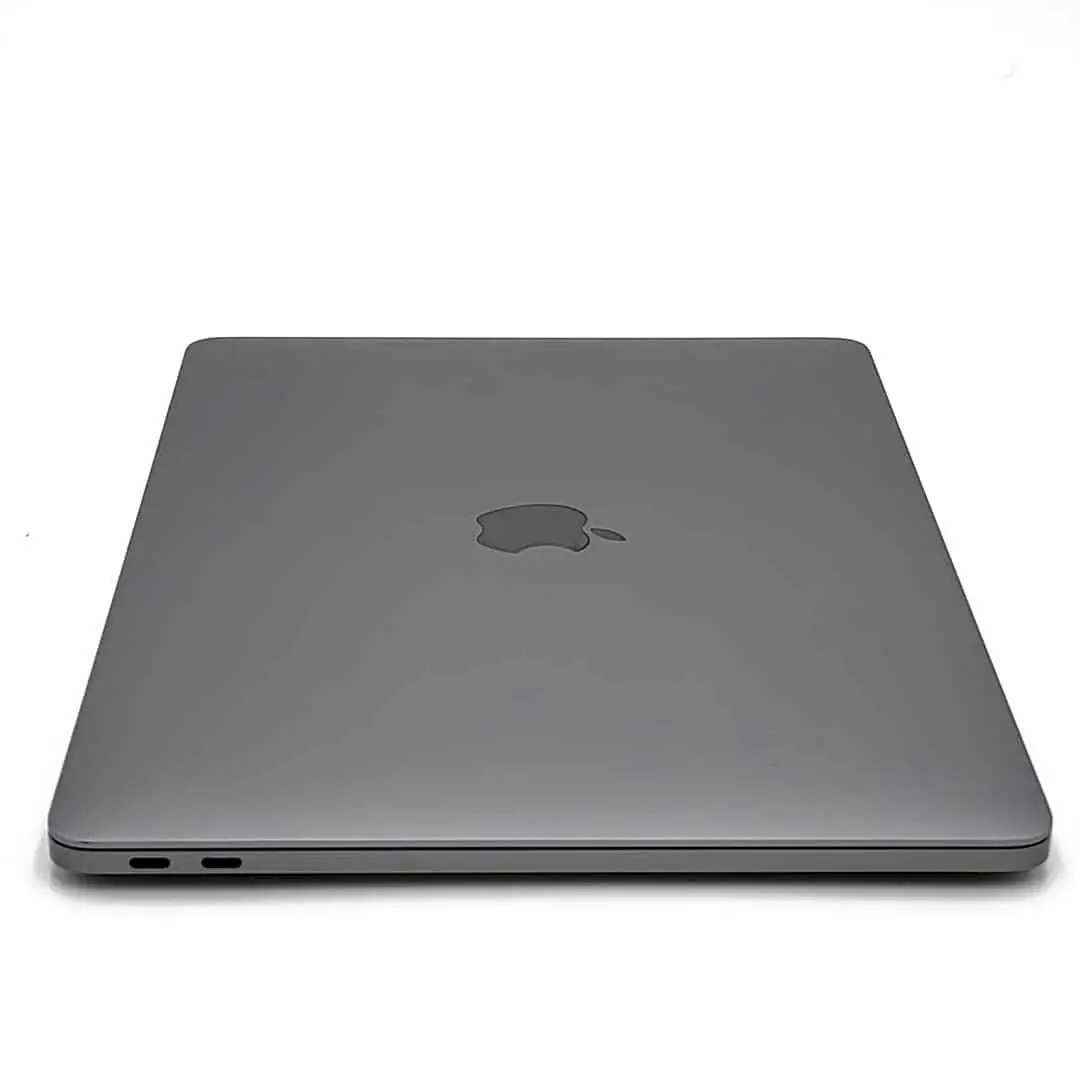
Apple MacBook Air 13" Core i5 Review: Conditional Buy
Starting at under $200 for some refurbished units and topping $900 for newer models, the Apple MacBook Air 13-inch (Core i5) has earned a reputation as a lightweight workhorse—and divided opinion on whether its older design is still worth it in 2025. Across thousands of reviews, it scores an impressive 8.5/10 for portability and battery life, but slips to a 7/10 for display quality.
Quick Verdict: Conditional Buy
| Pros | Cons |
|---|---|
| Long battery life—reports of 10 to 17+ hours | Dated 1440x900 display |
| Lightweight and highly portable | Limited upgrade options |
| Reliable performance for everyday tasks | Some refurbished units have poor charger quality |
| Comfortable keyboard with good key travel | Potential compatibility issues with newer macOS versions |
| Strong build quality | Occasional hardware defects in refurbished models |
| Affordable refurbished pricing | No USB-C / modern ports |
Claims vs Reality
Apple’s marketing touted the MacBook Air’s “all-day battery life” and portability as unmatched in its class. In specs, early models list 12 hours wireless web; PCMag testing hit 17.5 hours. Reddit user feedback backs real-world endurance: “Battery life is 6-7 hours for my mix of web design and blogging”—showing heavier workloads drain faster than optimum tests.
The sleek aluminum build and thin 0.68-inch taper are positioned as ultimate portability. A verified Best Buy buyer wrote: “Perfect to carry around, enter data, create PowerPoints… at a fraction of the weight of bigger laptops”. Here, marketing and user experience align closely.
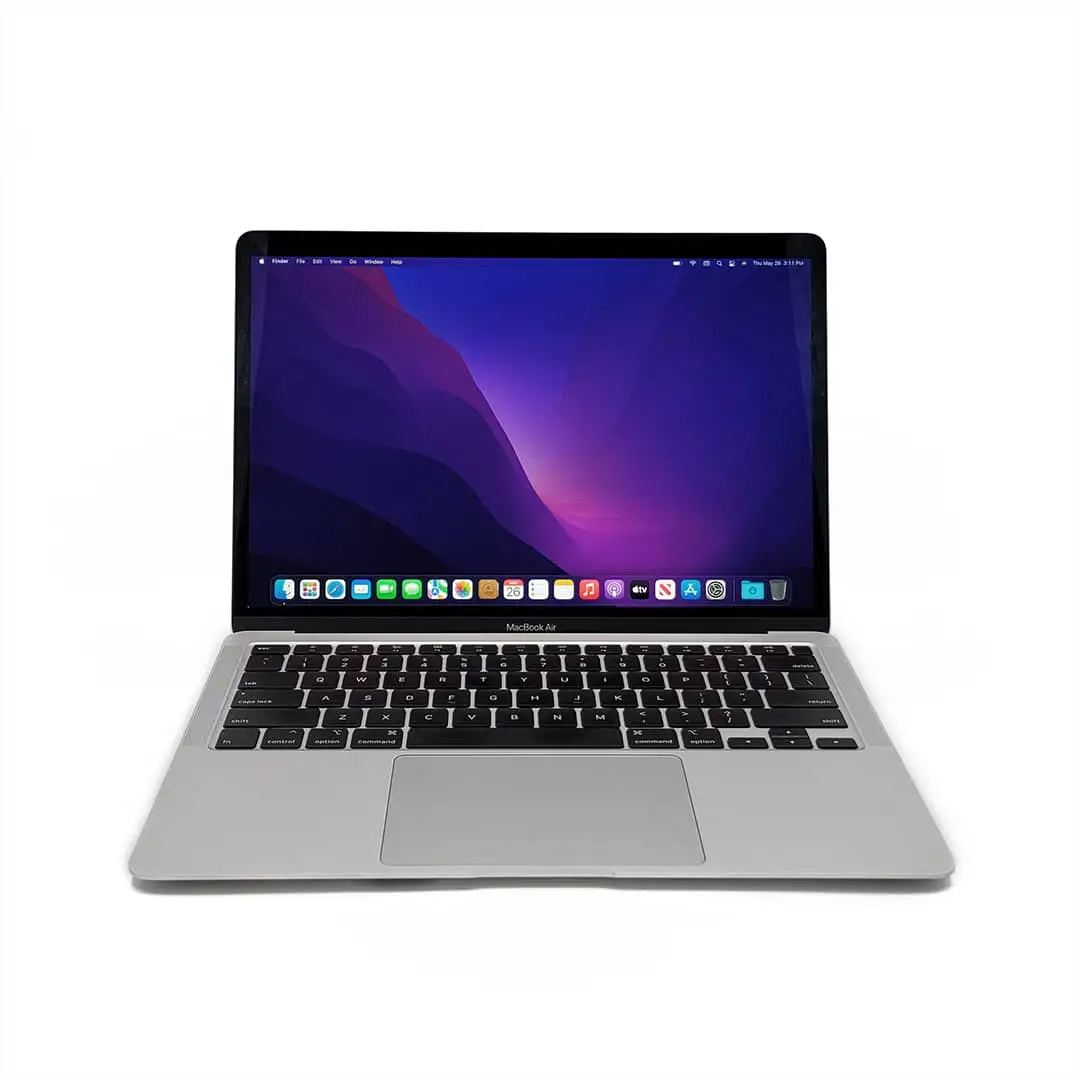
However, Apple's claim of "high-resolution LED display" hides the reality of a 1440x900 panel in many Airs released before Retina upgrades. Laptop Mag’s 2017 review bluntly called it “stuck in the past decade” and users echo that: “Text doesn’t look as sharp as it does on any of my personal devices”.
Cross-Platform Consensus
Universally Praised
Portability is the headline win. Students, teachers, and field professionals alike praise its lightness. Best Buy’s teacher gift-giver said: “Lightweight, blazing fast, easy to use, and will last—unlike Windows PCs”. For medical students, a grandparent noted: “This will take her all the way through medical school… lighter than the Pro”.
Battery life is another universal positive. Testing from Consumer Reports measured 13.75 hours under realistic loads. Trustpilot buyers note travel freedom: “It’s great for my college lifestyle… battery doesn’t die too quickly”. This allows remote workdays without hunting power outlets, a boon for commuters and travelers.
Typing comfort remains a bright spot—key travel and backlighting earn praise from heavy text-entry users. Laptop Mag even highlighted less hand fatigue compared to the shallow keys in newer MacBooks. Writers benefit from tactile feedback that hasn't been replicated in Apple’s later butterfly or low-travel keyboards.
Common Complaints
The screen is arguably the Air’s Achilles heel. While bright and anti-reflective, the sub-FHD resolution feels outdated against modern rivals. Laptop Mag lamented: “Lacking full HD and vibrant colors… my eyes felt worse after extended use.” This impacts video editors, designers, and anyone needing crisp text rendering.
Refurbished unit quality control concerns appear repeatedly. Trustpilot warns buyers to expect “wrong charger in box… Best Buy won’t replace it since it’s refurbished”. Amazon buyers report bent frames, worn hinges, and dead battery cells in poorly vetted resales. These issues especially frustrate first-time Mac owners expecting Apple’s famed polish.
Age-related OS compatibility limits have also frustrated users. One Trustpilot review noted: “Newer macOS versions cannot be downloaded… certain apps require 10.15 or later”. Anyone relying on the latest app ecosystem may hit compatibility walls.
Divisive Features
Port selection splits opinion. The dual USB 3.0, SDXC, and Thunderbolt 2 suite let older users avoid dongles, but lack of USB-C is a deal-breaker for those adopting newer peripherals. Laptop Mag appreciated living “an adapter-free life,” while others found modern accessories incompatible without workarounds.
Price perception varies. Best Buy reviewers call sub-$900 sales “a steal”, especially for entry into the Apple ecosystem. Conversely, some see midrange specs with a premium Apple markup, particularly for older hardware.
Trust & Reliability
Refurbished sales create a trust gap. Trustpilot and Amazon comments detail mismatched chargers, cosmetic damage, and failing batteries. The most severe story comes from an Apple Community member whose brand-new Air had a faulty mic: “I am working with an old laptop that keeps freezing… the unit is not going to be working when I collect it”.
Long-term owners however tell a different story—Best Buy reviews cite 7+ years of reliable use from earlier MacBook Pros and Airs. Many say they’ve replaced multiple PCs with a single Mac, reinforcing Apple’s reputation for longevity when bought new or well-refurbished.
Alternatives
Community comparisons often weigh the Air against the MacBook Pro 13-inch. Apple Community threads describe the Air “absolutely demolishing” the Pro in perceived speed thanks to SSD storage, despite lower clock speeds. Heavy creatives may still prefer Pro’s upgradable RAM and better display, while travelers favor Air’s portability.
Laptop Mag frames the Asus ZenBook UX330UA and Acer Swift 7 as alternatives with brighter, sharper screens at lower prices—but without macOS integration prized by Apple users.
Price & Value
eBay listings show stark depreciation—2012 models can be had for under $100, while 2017 i5/8GB/256GB units hover around $150-$300, and near-new retail hits $800+. Refurb buyers recommend inspecting devices immediately: Trustpilot warns “Be sure to take photos, and inspect your MacBook upon arrival”.
Resale values hold better than most Windows counterparts, driven by Apple’s brand cachet and macOS support cycles. Older models may appeal to budget-conscious students, especially if battery health is acceptable and software needs are modest.
FAQ
Q: Can the MacBook Air 13-inch (Core i5) run the latest macOS?
A: Only newer releases with Retina display and post-2018 chipsets can install the latest macOS without hacks. Older models may cap at macOS Monterey or High Sierra, limiting app compatibility.
Q: Is battery life still good on refurbished units?
A: Performance varies widely—PCMag recorded 17+ hours on a new battery, but Trustpilot reports some refurbs dying in under 2 hours. Always check battery cycle count before purchase.
Q: Does the lack of USB-C matter?
A: For users sticking to legacy USB-A, SD cards, and Thunderbolt 2, it’s fine. For modern accessories and charging norms, adapters will be required.
Q: Is the screen quality sufficient for design work?
A: Many designers find 1440x900 limiting for color-critical tasks. Consumer Reports notes good brightness and anti-reflective coating, but limited resolution and color gamut are drawbacks.
Q: Can I upgrade the RAM or storage later?
A: RAM is soldered; only storage can be replaced via aftermarket SSD kits. This limits future-proofing for heavy multitaskers.
Final Verdict
Buy if you’re a student, writer, or business traveler needing a light, reliable Mac with long battery life and comfortable typing. Avoid if your workflow demands a sharp Retina screen, cutting-edge ports, or guaranteed macOS future-proofing.
Pro tip from community: Inspect refurbished units thoroughly and budget for a genuine Apple charger—several Trustpilot and Amazon buyers upgraded chargers immediately to avoid compatibility headaches.