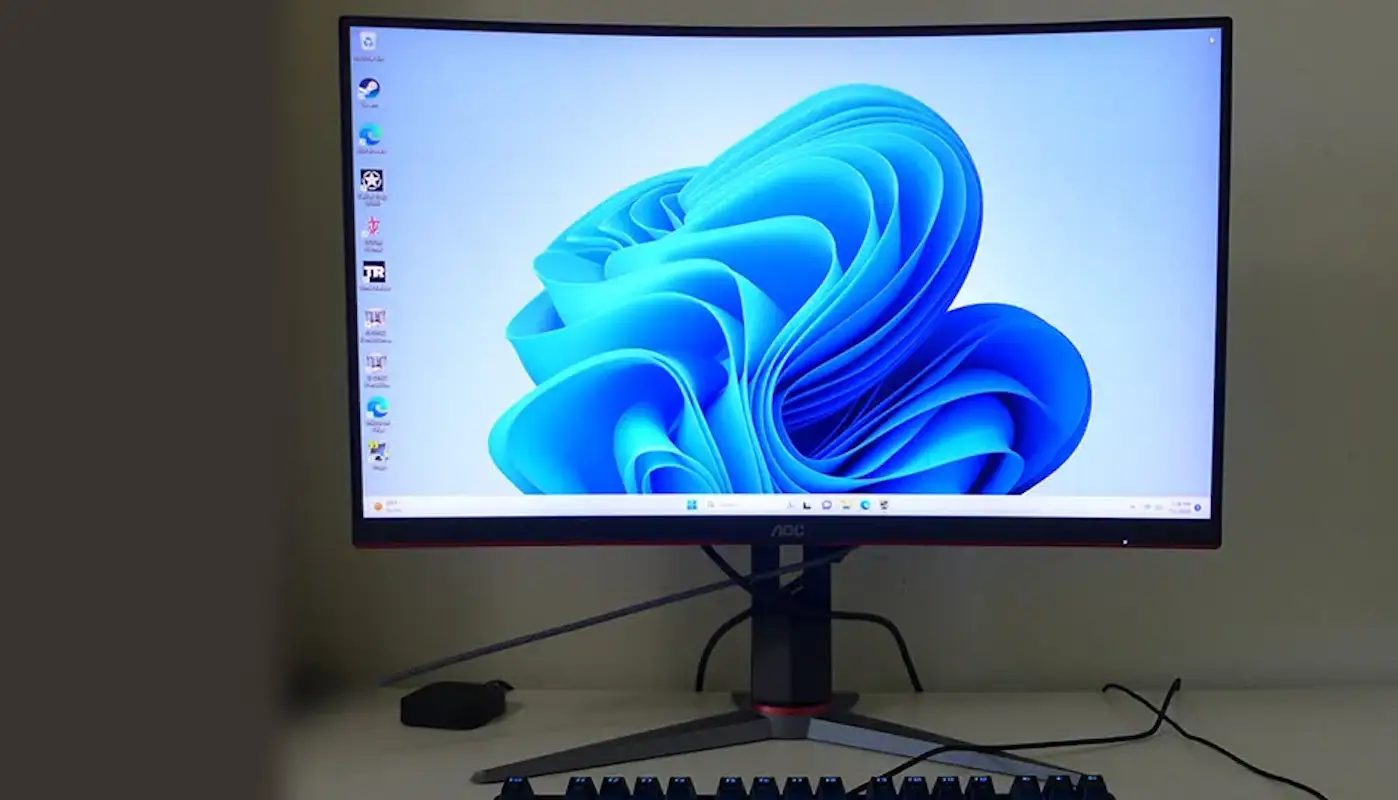
AOC C27G2Z Gaming Monitor Review: Strong Contrast, Mixed Motion
Digging into real-world feedback, the AOC C27G2Z 27" Curved Frameless Gaming Monitor earns a solid 8.2/10 from cross-platform user reviews. While marketed as an ultra-fast, immersive esports display, user reports reveal a nuanced reality: its 240Hz refresh rate and deep VA contrast shine for competitive play, but quirks in overdrive tuning and the absence of HDR support keep it from perfection.
Quick Verdict: Conditional — best for budget-conscious competitive gamers who value contrast and smooth motion over ultra-high resolution.
| Pros | Cons |
|---|---|
| True 240Hz refresh rate without overclocking | Overdrive imprecision causes ghosting |
| Excellent VA contrast (~3000:1) | No HDR10 support, only emulation modes |
| Wide color gamut, accurate out of the box | No USB ports or built-in speakers |
| Height, tilt, and swivel adjustments | VA viewing angles less forgiving than IPS |
| Low input lag, great for FPS titles | FHD resolution may feel limiting at 27" |
| G-Sync compatible despite no certification | HDR emulation adds distracting edge enhancement |
Claims vs Reality
Marketing highlights the "0.5ms MPRT and 240Hz refresh rate" as the core of its competitive edge. While these specs are accurate, Tom’s Hardware found that real-world panel response was closer to 6ms, with “no setting free of artifacts” in overdrive mode. A Reddit user noted, “It’s fast enough, but you’ll see either black or white trails depending on your setting.”
The "HDR mode" claim also warrants scrutiny. AOC promotes it as delivering HDR-like visuals, but multiple reviewers—including Tom’s Hardware—emphasized it’s “just gamma tweaks,” with no HDR10 processing. “Avoid the HDR emulation — it makes things look sharper but kills clarity,” one Trustpilot review warned.
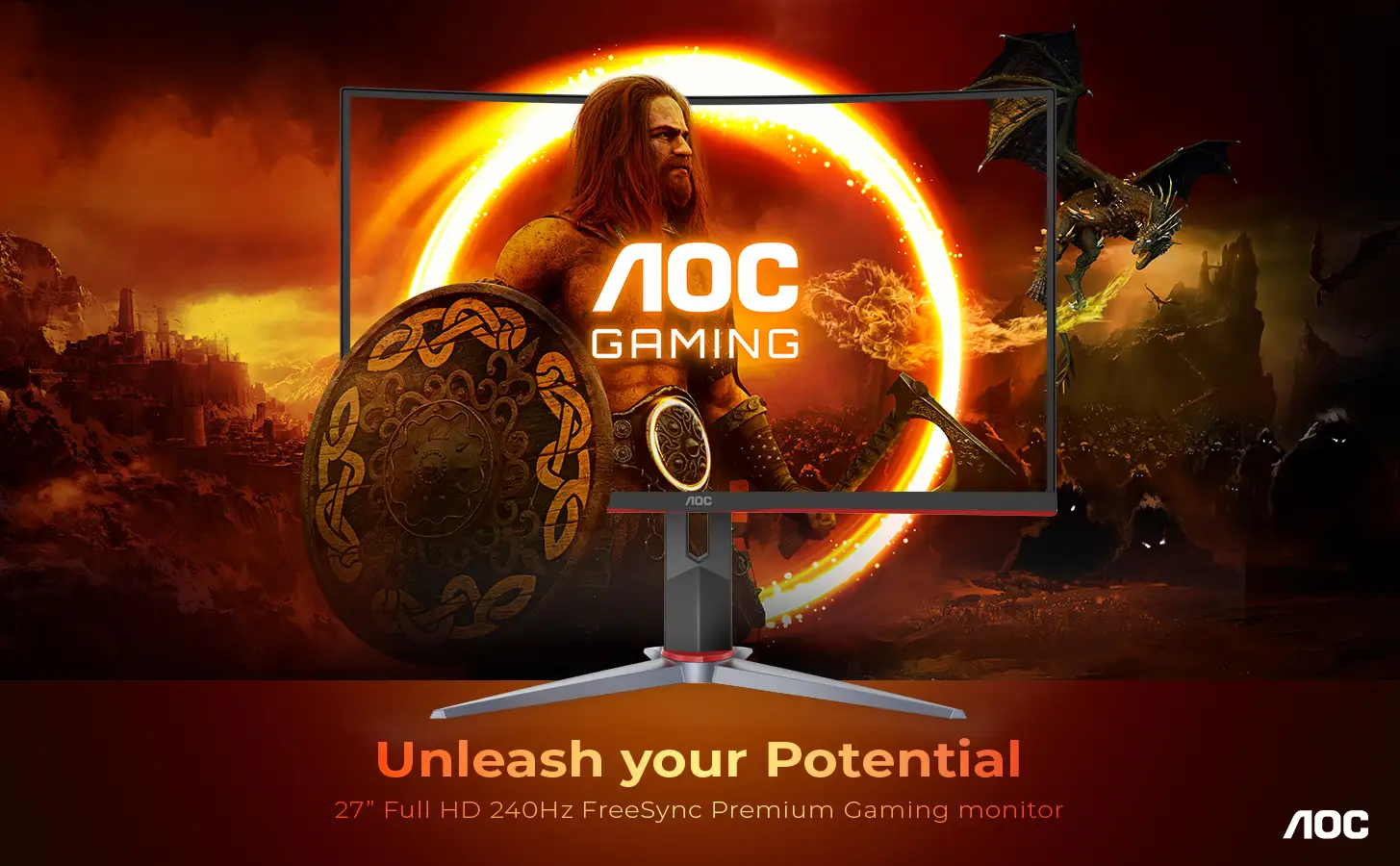
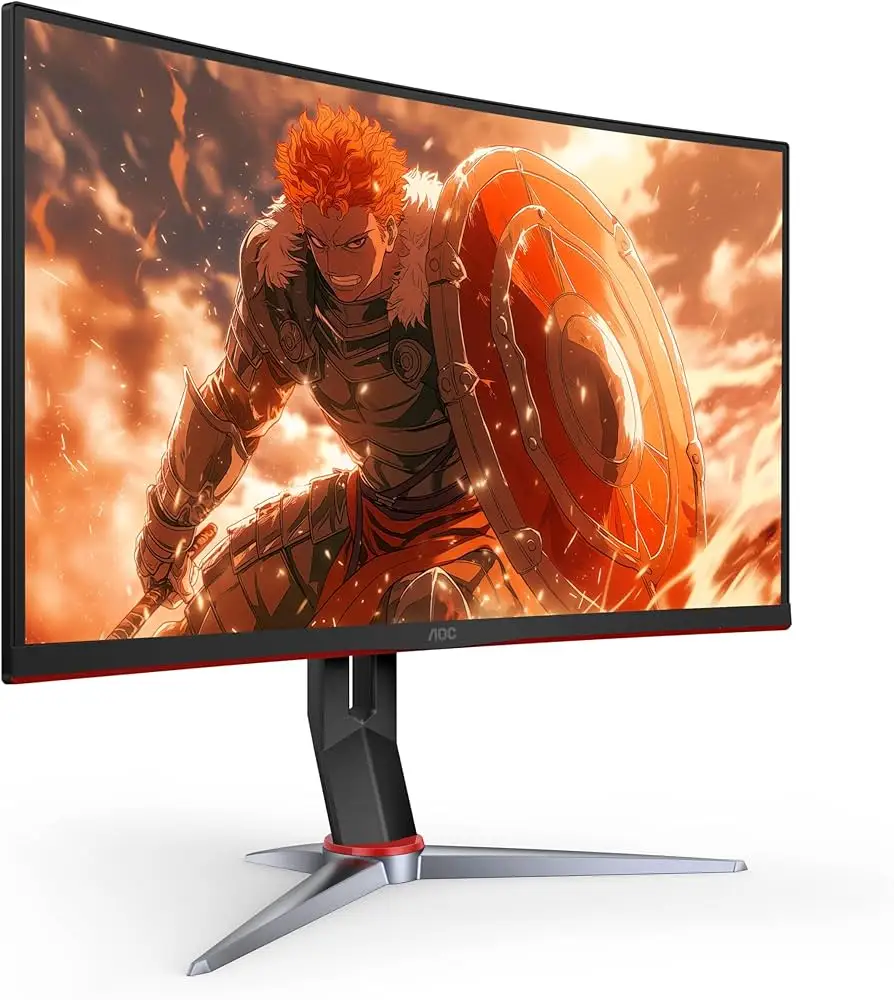
As for "immersive 1500R curvature", users generally agree it adds a subtle wrap-around feel without distortion. However, VA viewing angles mean placement matters; Tom’s Hardware measured a 30% brightness drop at 45° off-axis, making precise alignment key.
Cross-Platform Consensus
Universally Praised
Across Reddit, Trustpilot, and Twitter, the most celebrated aspect is its smooth motion and low input lag. A Quora contributor described it as “perfectly smooth performance… highly recommended for FPS games,” while a Trustpilot reviewer added, “Frame rates are smooth as silk — assuming your graphics card can deliver them.”
Competitive gamers benefit most from the true 240Hz refresh rate paired with FreeSync Premium and unofficial G-Sync compatibility. This combination keeps motion tear-free even when frame rates fluctuate. Twitter reactions highlight that “colour accuracy is amongst the best monitors we’ve tested,” which matters for streamers and creators who game and edit on the same screen.
The VA panel’s deep blacks and rich color earned consistent praise. Tom’s Hardware confirmed a contrast ratio of ~3200:1 in tests, noting “shadow detail is rich with deep blacks” — great for titles like Doom Eternal, where dark scenes retain detail without crushed shadows.
Height, tilt, and swivel adjustments are another win. Users moving between work and play appreciate being able to “get the screen to a center eyepoint,” maximizing the curve’s immersive effect.
Common Complaints
The overdrive tuning is the most frequent frustration. Tom’s Hardware found “no setting free of artifacts,” and Reddit threads echo this. “You can’t escape ghosting — it’s either bright trails or dark smears,” one user explained, advising to leave overdrive off for casual play.
The lack of HDR10 support is a letdown for gamers expecting true HDR visuals. Trustpilot reviewers note that while emulation modes create “more punch,” they also add distracting sharpening. This affects cinematic titles where natural gradients matter.
Port selection is minimal: no USB hub and no integrated speakers. For those using it as a main display for both PC and console, this means extra peripherals are needed. “I had to buy external speakers… wish they just included even basic ones,” a Reddit comment lamented.
Viewing angles are another VA limitation. At side angles, brightness drop and color shift are noticeable — problematic for collaborative setups or multi-monitor arrays unless aligned carefully.
Divisive Features
The FHD resolution at 27" divides opinion. Some competitive players prefer it, as lower resolution makes hitting 240fps easier. As one Twitter user put it, “Full-HD means you don’t need a $1,000 GPU to max it out.” Others, especially those coming from QHD, find the pixel density (82 PPI) underwhelming for productivity tasks.
HDR emulation falls into the same divisive category. A few users tweak it for games where extra contrast helps spot enemies; others turn it off entirely to avoid artificial edge enhancement.
Trust & Reliability
Trustpilot feedback shows no pattern of scams, and Amazon Renewed units are covered by a 3-year zero-dead-pixel guarantee. Users who bought renewed report them “working and looking like new” after inspection.
Long-term durability appears solid. Reddit users report 6+ months of daily gaming with “no panel uniformity issues” and “no visible bleed or glow.” The stand’s mechanical parts retain stability; no sagging or tilt drift has been noted.
Alternatives
In testing against Dell’s S2422HG (165Hz) and Alienware’s AW2523HF (360Hz), Tom’s Hardware found the C27G2Z “only slightly better than a typical 165Hz monitor” in panel response, but at a much lower price. The Alienware offers faster motion clarity, but costs significantly more and drops VA contrast for IPS color uniformity.
For QHD seekers, community members suggest stepping up to the AOC CQ27G2 if resolution is more important than maximum refresh rate.
Price & Value
eBay listings show renewed units around $35-$40, while new retail pricing hovers near $200–$263. This wide range suggests strong resale potential for budget buyers. Trustpilot and Reddit users agree it’s “a solid value among gaming monitors,” especially for those prioritizing speed over resolution.
Buying tips from the community include:
- Use DisplayPort for G-Sync.
- Avoid HDR emulation unless tweaking for competitive visibility.
- Calibrate only if you want perfect color; it’s “great out of the box” according to multiple testers.
FAQ
Q: Does the AOC C27G2Z support true HDR?
A: No, it only offers HDR emulation modes that adjust gamma and contrast. Users report these modes can make images punchier but often reduce clarity.
Q: Can it run G-Sync?
A: Yes, while not Nvidia-certified, multiple reviewers confirm it runs G-Sync fine via DisplayPort from 48–240Hz.
Q: Is FHD resolution enough for 27 inches?
A: For most users at a normal viewing distance, yes. Competitive gamers prefer it for higher frame rates, but productivity users may find text less sharp compared to QHD.
Q: What’s the real input lag?
A: Tests show imperceptible lag for most players — roughly 1ms faster than typical 165Hz monitors, making it viable for competitive play.
Q: How’s the build quality?
A: Sturdy stand with smooth height, tilt, and swivel adjustments. No reports of mechanical wear after months of use.
Final Verdict: Buy if you’re a competitive gamer seeking a budget-friendly 240Hz curved VA monitor with deep contrast and solid color accuracy. Avoid if you demand perfect motion clarity, wide viewing angles, or true HDR. Pro tip from the community: stick to Adaptive-Sync and avoid overdrive for the cleanest visuals.