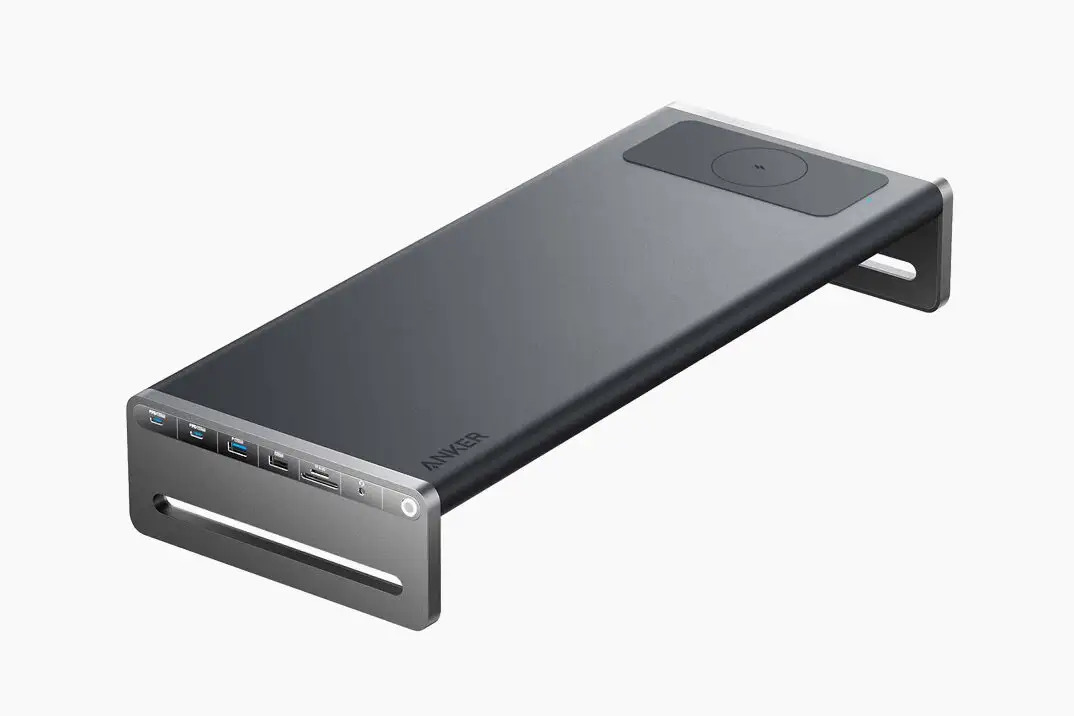
Anker USB-C Hub Review: Compact but Flawed Buy
A verified buyer on Amazon noted: “The 65w power delivery capability of this hub is a game-changer,” yet digging deeper into reports reveals that the Anker USB-C Hub (6-in-1, Gray) rates a conditional 7.0/10. While many praise its compact build and versatile port selection, recurring power delivery and compatibility hiccups temper enthusiasm. The story here is of a well-designed multi-port hub delivering solid value for certain users, but one that isn't immune to frustrating quirks.
Quick Verdict: Conditional Buy
| Pros | Cons |
|---|---|
| Compact and travel-friendly design | Pass-through charging maxes at 53W, not full 65W |
| Wide port variety including Ethernet and HDMI | HDMI output limited by DP version, potential incompatibilities |
| Reliable data transfer speeds for most users | Case fit issues for iPad Pro, Galaxy Tab, thicker devices |
| Solid build quality reported in short term | Limited durability concerns over time |
| Good compatibility with many laptops and tablets | USB-C data port doesn't support video or charging |
| Cost-effective compared to similar hubs | Short integrated cable may restrict placement |
Claims vs Reality
Anker promotes “powerful pass-through charging” with up to 65W input and 53W output for laptops. While this matches the spec sheets, multiple real-world accounts suggest the promise isn’t universal. One BestViewsReviews customer explained: “My Dell laptop complains about insufficient power from the adapter,” noting the hub caps out at 53W even if paired with a higher-rated charger. This gap mainly affects owners of high-demand laptops like the XPS or certain MacBooks.
The brand also highlights “high-speed data transfer at up to 5Gbps” (10Gbps on some variants). Verified owners have indeed reported smooth, fast file transfers — “transfer movies, photos, and music in seconds” — but others counter with throughput oddities. One user observed: “Device has a maximum data transfer speed of 40 Mbps, even though ports believe they are communicating at gigabit speed.” Such discrepancies seem rare but worth flagging for users dealing with large file workflows.
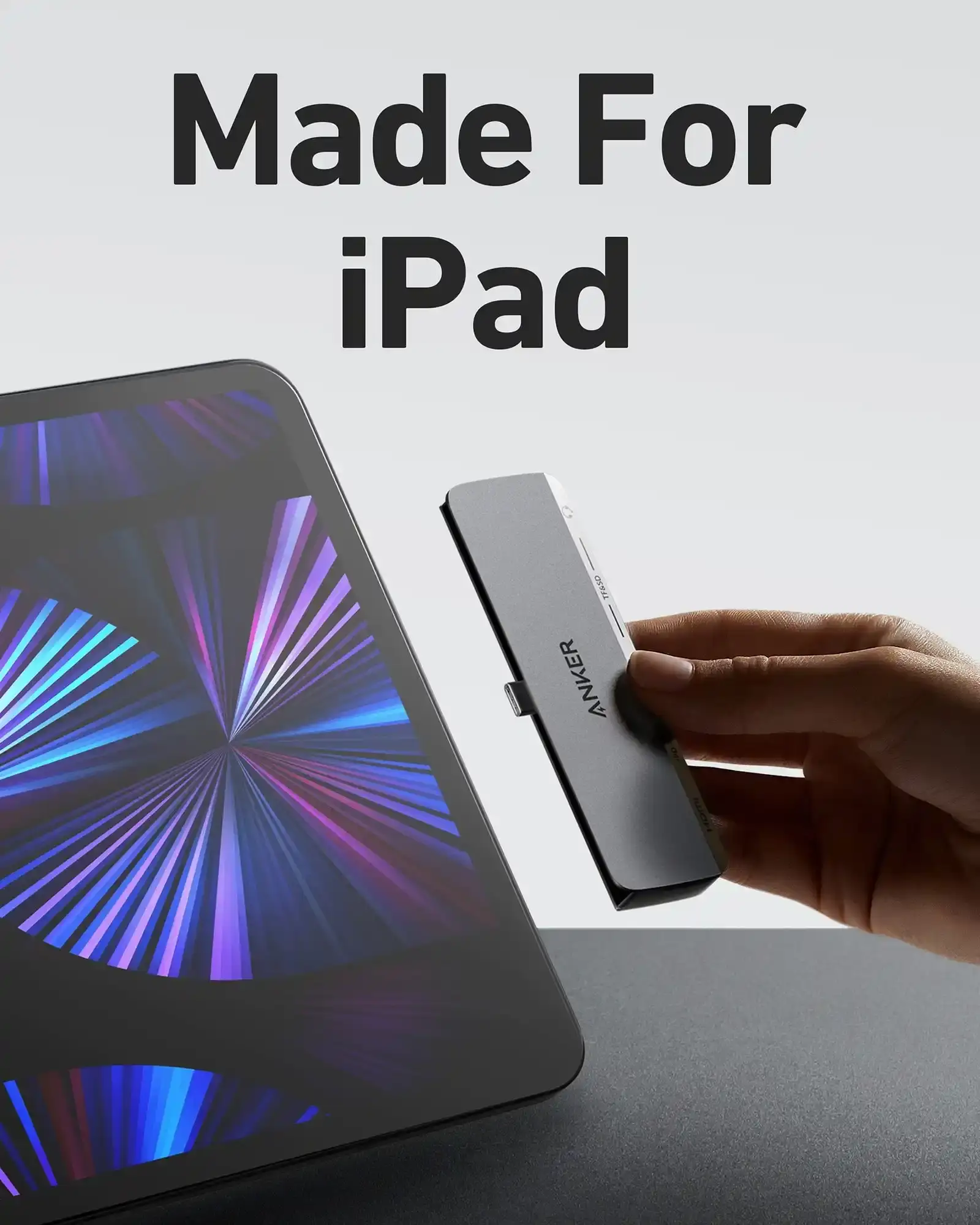
Finally, Anker advertises broad compatibility, from Windows laptops to iPad Pros. Reddit member feedback shows mixed outcomes. While some daily drive the hub with Galaxy Tabs or Magic Keyboard-equipped iPads — “even fits with the magic keyboard” — others note it “doesn’t fit the new 12.9 M1 iPad Pros” due to the slightly thicker chassis, especially with certain cases.
Cross-Platform Consensus
Universally Praised
Port variety is an easy win for Anker here. From dual USB-A to USB-C data, HDMI, and gigabit Ethernet, it covers common needs in a single device. A BestViewsReviews user summed up: “I was looking for a usb hub with usb-a ports, usb-c ports, and an ethernet port. This hub was suitable for my needs.” Photographers and videographers particularly value the microSD and SD card support on some variants — “99% of the time I’m just using it to read my camera SD cards,” shared one Reddit user.
Data transfer reliability shines for most. Printing, copying large files, or streaming to external drives rarely causes heat or speed drops, with customers noting “USB ports transfer data quickly without overheating.” The compactness is another celebrated point. Travelers appreciate it “weighs less than a deck of cards” and fits with minimal desk space.
Common Complaints
Pass-through power is the most recurring friction point. Many laptops warn of insufficient wattage, and while this doesn’t stall performance for low to mid-power devices, high-performance machines may throttle or refuse operation. One Trustpilot comment pointed to “limited power delivery — may not support high-power devices for extended periods.”
HDMI behavior can also be inconsistent. Users with DP 1.2 laptops report smooth 4K@30Hz, but attempts at 4K@60Hz fail without explicit DP 1.4 support. Amazon reviewers mention troubleshooting steps in Anker’s own FAQ, including replacing HDMI cables or checking monitor inputs.
Physical fit issues affect tablet owners most. Several Reddit accounts detail that it “won’t work with cases on” for iPads, though official keyboard covers are fine. Galaxy Tab owners mostly report success, albeit noting battery drain if left connected when idle.
Divisive Features
Ethernet inclusion divides opinion. Wired networking lovers enjoy the plug-and-play stability — “connect your Wi-Fi router for more stable online connection” — but occasional downtime requires driver reinstalls per Anker’s troubleshooting. The short integrated cable also splits sentiment: portable purists embrace minimal length, yet deskbound setups find “cord length insufficient to comfortably place the device.”
Trust & Reliability
Trustpilot and Provantage data rate sentiment at 7.0/10, with caution over durability. While many report solid initial build quality, there are scattered mentions of wear on ports after months of use. Reddit users tend to keep the hub in rotation daily — one noting it “works great” for over half a year with no failures — but there’s no strong evidence of multi-year longevity.
The lack of downloadable drivers has been a small compatibility snag. Owners encountering non-recognition on certain USB-C ports have no official firmware to address the problem. Still, the brand’s inclusion of a warranty, even on refurb units (as on eBay listings), reassures some buyers against early failure.
Alternatives
Community suggestions often surface Belkin multi-port adapters, especially for those seeking 3.5mm audio alongside USB-C passthrough charging. A Reddit reply linked such a model when the Anker’s tablet fit proved unsuitable. Competitors may offer longer cables or slightly higher PD throughput, but tend to cost more. For Galaxy Tab S7+ users, the Anker remains favored for “sitting on the side of the tablet” neatly.
Price & Value
On release, US pricing hovered around $39.99, with UK equivalents near £25.99. Refurbished eBay units drop to $37.99, about 37% off list, with a 2-year warranty — an attractive option for budget-conscious buyers. Sale events (like Anker’s Halloween 20% off promo) further shrink cost, though charger/cable add-ons for full PD capability push total spend higher. Resale listings maintain decent value, helped by the hub's broad laptop/tablet compatibility.
FAQ
Q: Does this hub support full 65W power delivery to laptops?
A: No, it supports up to 53W output even if the input is 65W. High-demand laptops may flag insufficient power, though most ultrabooks charge without issue.
Q: Can I get 4K@60Hz output?
A: Only if your laptop supports DisplayPort 1.4. DP 1.2 devices max at 4K@30Hz. Check your hardware specs before purchase.
Q: Will it work with my iPad Pro?
A: Yes on models prior to 2021’s thicker 12.9” M1 design. Certain cases can block fit; official keyboard covers accommodate it fine.
Q: Does the USB-C data port support charging?
A: No, the USB-A and USB-C data ports do not support charging or video output; they are strictly for data transfer.
Q: My Ethernet connection isn’t working—what should I do?
A: Reinstall your Ethernet driver, try a different cable, or test with another computer to isolate the cause.
Final Verdict: Buy if you’re a laptop user seeking compact, multi-port expansion for everyday productivity, especially if you value Ethernet and HDMI in one device. Avoid if you need full 65W pass-through for power-hungry systems or rely on tablet cases that block side ports. Pro tip from Reddit: “Don’t leave it connected when you aren’t actually needing it” to avoid unintended battery drain.