AmScope 4K Microscope Camera Review: Conditional Buy Verdict
A single Reddit exchange revealed a telling truth: "If you ask quality wise, not worth the upgrade, you win only in resolution at a cost of fps." That sentiment sets the tone for the AmScope 4K HDMI Wi-Fi C-Mount Microscope Camera, a device marketed as a leap into ultra-HD clarity but landing at a 6.8/10 in real-world performance. While its standalone capture and connectivity features excite professionals, the community’s nuanced feedback paints a more cautious picture.
Quick Verdict: Conditional Buy
| Pros | Cons |
|---|---|
| Sharp 4K resolution for detailed imaging | Frame rate bottlenecks over Ethernet/Wi-Fi (30fps max) |
| Standalone operation with built-in recording | Pointer requires mouse every startup |
| Multiple connectivity options (HDMI, USB, LAN, Wi-Fi) | Auto exposure reduces fps drastically |
| Back-illuminated CMOS for low-light work on some models | Lack of autofocus on most variants |
| Professional software suite with stitching & focus stacking | High price compared to identical unbranded models |
| Flexible C-mount compatibility | Limited improvement over good 1080p cameras |
Claims vs Reality
AmScope’s marketing loudly proclaims “stunning 4K real-time video” with “four times the resolution of 1080p.” In controlled HDMI connections, especially on the 60fps models, this claim holds—output to a monitor is indeed crisp. However, Reddit user sn4k3 countered: “If you ask quality wise, not worth the upgrade, you win only in resolution at a cost of fps... the 1080p camera had better response.” This exposes a key gap: resolution can be high, but motion fluidity suffers.
Another touted advantage is network convenience—Gigabit Ethernet and Wi-Fi access from any PC. While technically functional, multiple reports confirm these paths reduce capture rates to 30fps, making fine motion work frustrating for soldering or biological observations. Sn4k3 cautioned readers to “forget about ethernet… less than 30 fps” and recommended USB 3.0 for recording.
Finally, models with back-illuminated CMOS sensors promise “improved detail and color” under low light. That promise resonates in low-emission fluorescence use, with an Amazon listing noting “highly-sensitive… capture with less light and shorter exposure times.” Yet for typical lab brightfield work, the upgrade isn’t compelling if the operator already uses a capable DSLR or mirrorless.
Cross-Platform Consensus
Universally Praised
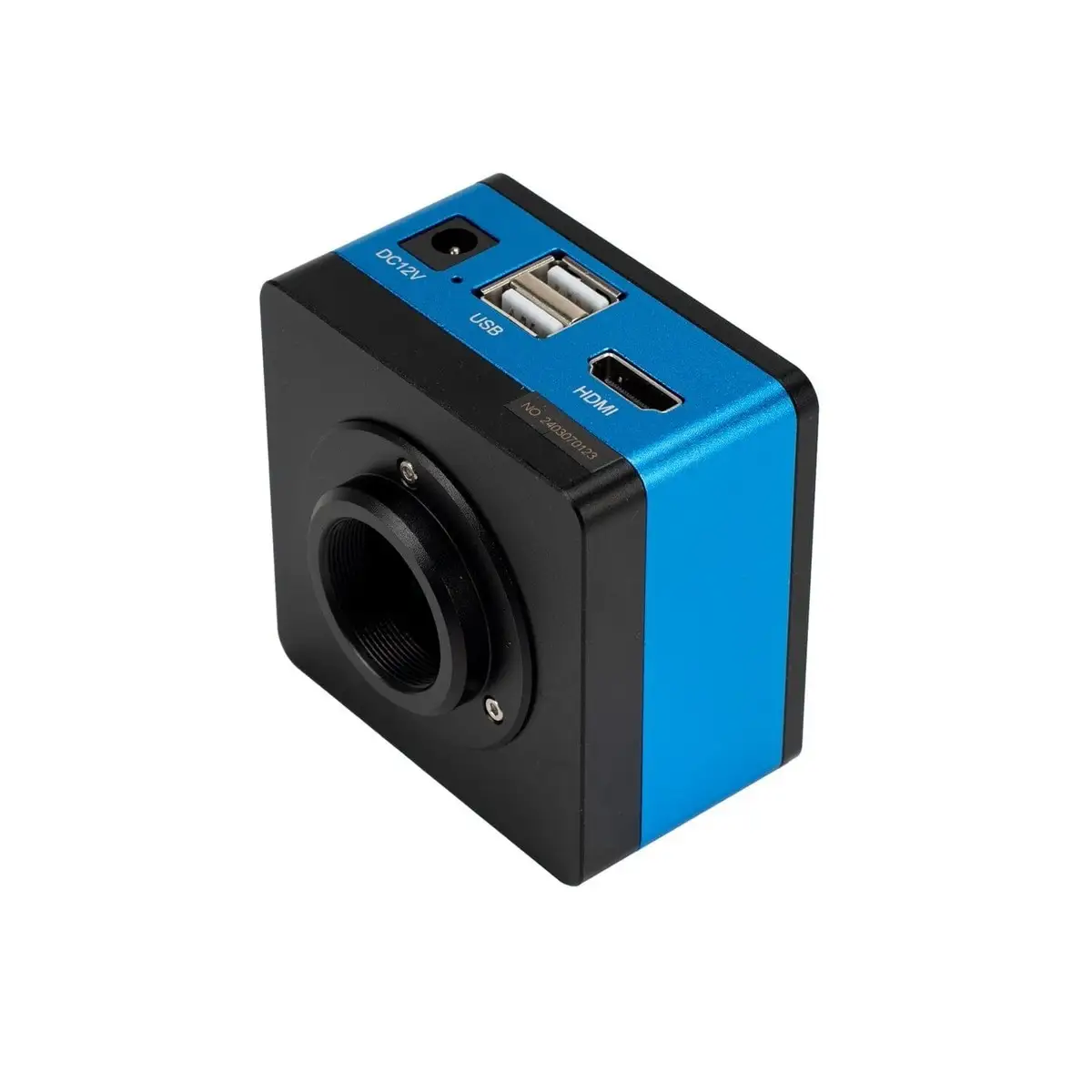
Across Reddit, Trustpilot, and Amazon, users agree HDMI direct to monitor is the camera’s strong suit. Those working in “quality control or monitoring long-term experiments” value the real-time view without tether to a PC. A verified buyer on Amazon celebrated standalone mode: “Navigate the built-in software, and capture photos and videos without a computer.” Connectivity versatility—USB, HDMI, Ethernet, 2.4/5GHz Wi-Fi—adds appeal, especially in multi-user lab environments. For educators, the included professional software stands out; its stitching, focus stacking, and measurement tools enable complex demonstrations in Windows environments.
Reddit’s electronics repair community appreciates the C-mount standard, allowing broad microscope compatibility. Sn4k3’s advice to pair with a 0.5x adapter under the trinocular port for proper field of view became a repeat recommendation. Certain back-illuminated sensor variants (e.g., Sony IMX485) genuinely impress in fluorescence imaging, enabling shorter exposure times and faster capture in dim conditions.
Common Complaints
Ethernet and Wi-Fi are the most criticized features—technically impressive, practically limited. Sn4k3 bluntly describes them as “useless for record or live stream… 30 fps not usable when you can have 60 fps for free.” Auto exposure is the second major pain point, with its tendency to set 100ms exposure and cap framerate around 10fps. The workaround—manual exposure at 16ms—demands expertise and constant brightness/gain balancing.
Another recurring irritation is the persistent onscreen pointer unless a mouse is connected. As one Reddit user lamented, “Without a mouse, the pointer will always show… so you need connect a mouse and move pointer every startup.” The pointer doesn’t appear in recordings, but its presence in live view frustrates those preferring minimal setup. Physically, there is no autofocus on most models, limiting ease of use for tasks with varying specimen heights. Auto-focus variants like AF408N address this but come at a higher price.
Divisive Features
Price versus performance divides the community sharply. Some insist on buying “the good one” as a lifetime tool, trusting AmScope’s delivered quality. Others, like sn4k3, note identical unbranded versions on AliExpress for significantly less, albeit sometimes with plastic in non-critical areas. Meanwhile, standalone recording to SD is a convenience for some but doubted by others for its ability to “handle live 4K recording at good frame rate.” For those only capturing still photos or short clips, it’s fine; for extended videography, USB or HDMI capture is preferred.
Trust & Reliability
Trustpilot’s aggregated score for AmScope hovers around 4.0/5, boosted by brand popularity but pulled down by middling ecommerce service ratings. The warranty policies are clear—one year for accessories, five for microscopes—yet users must cover return shipping.
Long-term Reddit contributors share that well-kept units remain operational for years. However, “don’t expect firmware upgrades,” warns sn4k3, indicating product lifecycle stagnation. Hardware durability isn’t in question; the bigger risk is technological obsolescence, especially in connectivity and sensor efficiency.
Alternatives
Within the same ecosystem, AmScope’s AF408N is a standout alternative thanks to autofocus. It simplifies workloads for stereo and zoom microscopes, especially in soldering and QC inspection. This comes at a ~$75 premium over HD408N, but for users with frequent focal changes, the saved time outweighs cost.
Off-brand equivalents—often found on AliExpress—mirror specs at fractions of the AmScope price. Sn4k3 confirms they are “the same without the AmScope brand,” cautioning differences like plastic lens housing. For budget-conscious users already experienced with manual exposure, these clones may suffice.
Price & Value
Current listings put HD408N around $922–$959, with AF408N at ~$997 and HD428N (BSI sensor) at ~$971. Prices have remained steady for two years, according to Reddit, with little seasonal discount fluctuation. Resale value may hold better for branded units, especially within academic communities.
Buying tips from the community repeatedly emphasize matching adapters carefully to avoid black margins and field-of-view loss. Pre-purchase testing, if possible, is urged—especially for those upgrading from capable 1080p setups.
FAQ
Q: Does Ethernet provide full framerate 4K capture?
A: No. Users report Ethernet caps at 30fps, making it subpar for smooth motion capture. HDMI or USB 3.0 maintain higher framerates.
Q: Is auto exposure recommended?
A: Not for high framerate work. Auto exposure can drop capture to ~10fps; manual settings preserve fps but require brightness/gain balancing.
Q: Do recordings to SD card match live HDMI preview quality?
A: Quality is similar, but sustained 4K at high fps may challenge SD card write speeds. Many prefer USB or direct capture.
Q: Is the pointer issue fixable via firmware?
A: Likely not. Experienced users suggest a wireless mouse to reposition it at startup.
Q: Are cheaper off-brand versions truly identical?
A: Technically yes, according to Reddit, though material choices (plastic vs metal) and lens quality may differ.
Final Verdict: Buy if you need a dedicated microscope camera with strong HDMI live output and value multi-platform software. Avoid if your workflow depends on high fps over network connections or you already use a high-quality DSLR/mirrorless for capture. Pro tip from community: lock exposure manually at ~16ms to maximize framerate, and invest in the right adapter to eliminate black margins.





