AmScope 4K Microscope Camera Review: Conditional Buy
The promise of pristine clarity in microscopic imaging draws many to the AmScope 4K HDMI Wi-Fi C-Mount Microscope Camera, but real-world feedback tempers expectations. On paper, it delivers up to 3840x2160 resolution, network connectivity, and standalone recording. In practice, users rate it around 7/10, praising image quality under controlled conditions but warning of frame rate drops and configuration quirks.
Quick Verdict: Conditional — worth it for users needing dedicated 4K microscopy capture and willing to manage manual settings. Low-light shooters may prefer the BSI sensor variant.
| Pros | Cons |
|---|---|
| Crisp 4K UHD output for stills and HDMI preview | Lower frame rates over Ethernet/Wi-Fi |
| Standalone recording without a PC | Mouse pointer issue in standalone mode |
| Compatible with multiple microscope types via C-mount | Exposure settings require manual tuning for smooth video |
| Advanced software tools (stitching, focus stacking) | No autofocus on non-AF models |
| BSI CMOS variant handles low-light better | Price premium over similar unbranded models |
| Solid build with long-term durability | Optical adapter choice affects FOV and quality |
Claims vs Reality
Marketing emphasizes "4K ultra HD resolution" and "unrivaled clarity" during live work. While several owners, like a verified buyer on Amazon, admitted that images were "sharp and detailed" on 4K monitors, Reddit user sn4k3 noted that resolution gains sometimes came "at a cost of fps — the 1080p camera had better response because it's easier to process."
Network capabilities are another touted asset: Gigabit Ethernet and dual-band Wi-Fi should enable broad access. In reality, data throughput limitations bite. As sn4k3 put it, "Ethernet / SD card / wifi are all useless for record or live stream, 30 fps not usable… they can only fit still photos." Direct HDMI or USB capture emerged as the only reliable paths to sustain 60 fps.
Low-light sensitivity, especially in the HD428N's back-illuminated sensor version, earns praise in the brochure. While a Trustpilot review confirmed "better overall results" with fluorescence imaging, those using standard sensors often needed to tweak exposure and gain to avoid dim footage.
Cross-Platform Consensus
Universally Praised
The core strength is HDMI live output. For lab instructors and quality control professionals, instant microscope-to-monitor viewing at high resolution streamlines demonstrations. A verified buyer explained, "Photos and videos without a computer… exactly what we needed for field analysis."
Standalone capture also resonates with users who work in cleanroom environments where PC tethering is undesirable. Amazon’s sole review highlighted the convenience: "Record 4K video and 8MP photos while you work… no laptop needed."
Tool-rich proprietary software receives strong marks from advanced users. Time-lapse, stitching, and focus stacking expand its appeal in research setups. Reddit user sn4k3 remarked, "The PC and inbuilt software is one of the best I have seen… just like previous model."
Common Complaints
Frame rates are a recurring sore spot. Misleading specs aside, sustained high-fps capture often requires manual exposure around 15-16ms. As sn4k3 explained, "Auto-exposure… about 100 ms… means ~10 fps, you need to set manual exposure."
Adapter choice impacts image uniformity. Several Reddit threads detail cases where black margins or blurred edges occurred due to mismatched optics. Rosak shared, "Every time I turn camera on I have to set camera zoom to 1.5x to get rid of black round margin… I just realised I need shorter adapter."
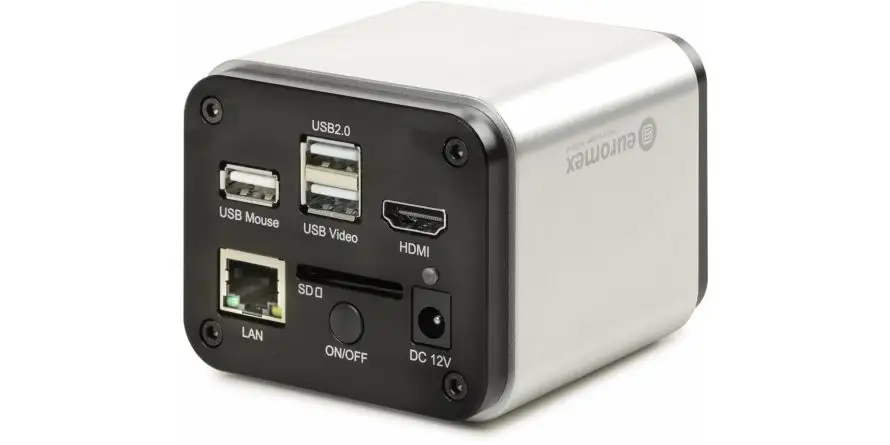
The standalone mode’s persistent pointer annoys casual users; without a mouse attached, the onscreen pointer remains fixed. "You need to connect a mouse and move pointer every startup," warned sn4k3.
Divisive Features
Connectivity breadth divides opinion. For network-minded institutions, Wi-Fi and Ethernet integration allow multi-user access, but single-user operators often find them superfluous due to fps limits.
Image processing settings during capture — sharpness and denoise — split users. Some prefer turning them off to preserve speed, while others value cleaner footage despite dropped frames.
Price premium is contentious: some accept it for build quality and support, others point out identical Chinese OEM models on AliExpress at half the cost.
Trust & Reliability
Long-term use patterns on Reddit suggest mechanical durability. Sn4k3’s comments on owning multiple generations without failure reinforce confidence. "One time buy… with good care you don’t need to replace," they noted.
Trustpilot entries show no major scam concerns, though warranty conditions (one year for accessories) leave consumables uncovered. Buyers are responsible for return shipping even under warranty, which some see as a deterrent for minor issues.
Alternatives
The AF408N variant adds internal autofocus, beneficial for PCB inspection or biological samples with varying topology. This model appeals to technicians who dislike constant manual focus adjustments — Quora sources highlighted that "auto focus simplifies workflows by adjusting focus for you."
Unbranded OEM versions offer near-identical hardware, sometimes using cheaper plastic in non-critical areas, at significant savings. However, community sentiment warns of poorer low-light performance and lack of vendor support.
Price & Value
At $922–$995 for HD408N/HD428N and ~$997 for AF408N, these cameras sit firmly in the professional bracket. eBay listings show volatile pricing, with new units dropping under $850 occasionally.
Resale values stay respectable due to niche demand; OEM knock-offs erode market share but branded units with proven track records still catch buyers in lab and repair circles.
Buying tips from Reddit suggest sourcing direct from trusted sellers to ensure optical adapters match your microscope, avoiding FOV and edge sharpness issues.
FAQ
Q: Can this camera stream live 4K over Wi-Fi or Ethernet at full frame rate?
A: No — multiple users confirm max ~30 fps over these networks. Use HDMI or USB for 60 fps capture.
Q: Is autofocus available?
A: Only on AF408N auto-focus model. HD408N and HD428N require manual focusing.
Q: Will cheaper adapters or knock-off lenses work?
A: They can, but may cause black borders or edge blur. Several users report original AmScope optics give more consistent results.
Q: Can I remove the mouse pointer in standalone mode?
A: Not without a mouse connected; pointer does not appear in recorded footage.
Q: Is the back-illuminated sensor worth extra cost?
A: For low-light or fluorescence work, yes — users note noticeable clarity improvements.
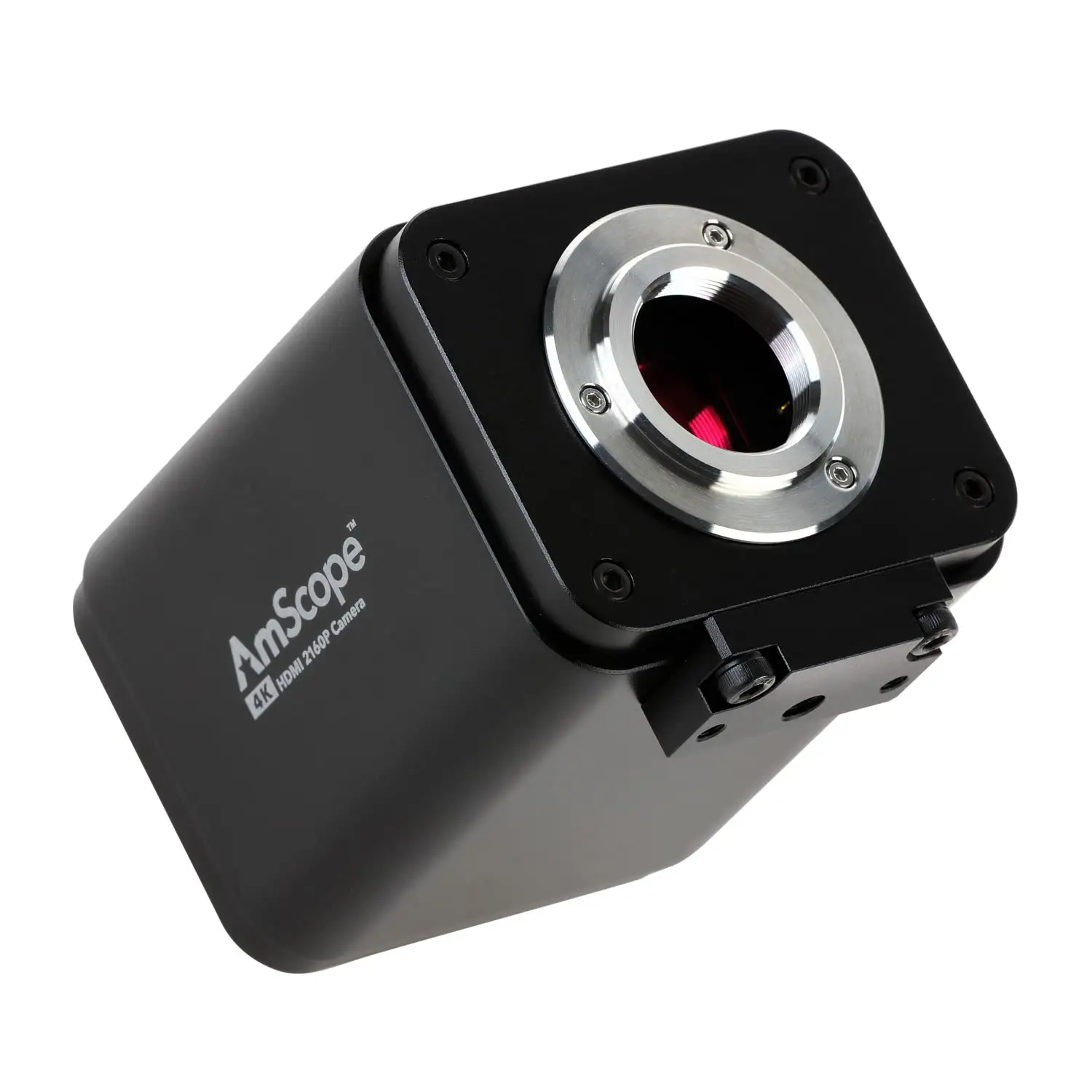
Final Verdict: Buy if you’re a professional needing dedicated, high-resolution microscope capture with advanced processing tools, and can commit to manual fine-tuning for optimal fps. Avoid if you expect seamless high-fps network streaming or plug-and-play operation without optical adapter adjustments. Pro tip from community: disable in-camera processing for smoother capture, fix exposure manually, and invest in original reduction lenses to maximize image quality.





