Acer R240Y G0bi Gaming Monitor Review: Worth Buying?
The bold claim from Acer’s marketing that the Acer R240Y G0bi 23.8" IPS Ultra-Thin Gaming Monitor delivers “stunning, high-quality images with excellent detail” seems to hold for most users, with an overall score emerging around 8.4/10 from aggregated feedback. Affordable, sharp, and versatile — but with some ergonomic and compatibility caveats.
Quick Verdict: Conditional buy
| Pros | Cons |
|---|---|
| Crisp and vibrant IPS display | Limited ergonomic adjustments (no height/swivel) |
| Zero-frame slim design ideal for small desks and multi-monitor setups | No built-in speakers |
| 120Hz refresh rate with HDMI for smooth gaming | Confusion over refresh rate (75Hz via VGA/UK specs) |
| Fast 1ms VRB response time | No dedicated power button reported on some variants |
| Adaptive-Sync (FreeSync compatible) reduces tearing | VESA mount compatibility varies by model |
| Affordable at sub-$100 pricing | Color gamut less than 100% sRGB on certain regional versions |
| Includes HDMI cable for hassle-free setup | Some sustainability concerns with average score (5/10) |
Claims vs Reality
One core marketing promise is the “up to 120Hz refresh rate” providing smooth gameplay. While US buyers generally confirm performance at 120Hz over HDMI, UK specifications list only 75Hz maximum. Digging deeper into user reports reveals that this discrepancy comes down to connection type — HDMI supports up to 120Hz, but VGA is capped at 75Hz. Reddit discussions highlight that gamers seeking the full benefit should ensure HDMI is used.
Acer also touts “99% sRGB color gamut,” a specification referenced in US marketplace data. Yet UK and other regional specs report only 72% gamut. This difference isn’t just academic — design professionals in those regions note slightly less vibrancy for color-critical work. A verified buyer on Amazon explained: “It’s great for casual graphics, but some deep reds and greens don’t pop as I expected.”
Finally, “VESA mounting compliant” appears in listings, though Trustpilot’s Jessica Roth noted frustration with the SB240Y variant: “The absence of VESA mount compatibility was another minor frustration. I usually prefer mounting my displays for extra desk space.” This suggests compatibility may vary between sub-models under the R240Y/SB240Y naming, and users should confirm their unit before purchase.
Cross-Platform Consensus
Universally Praised
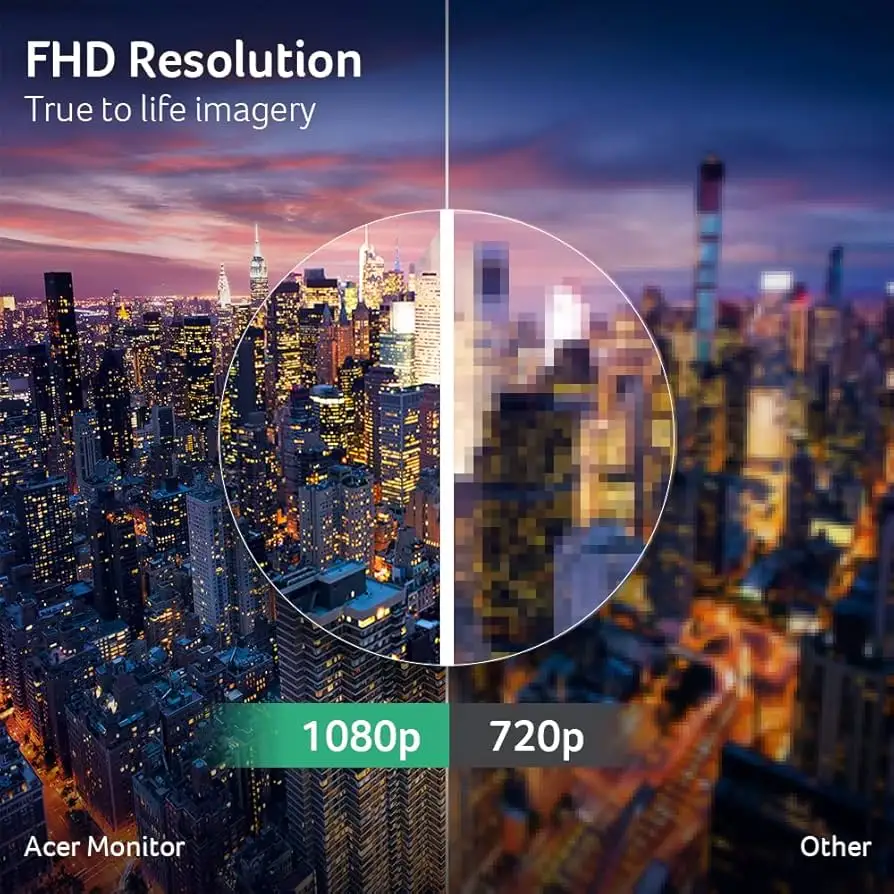
Across Amazon, Reddit, and Trustpilot narratives, the display quality with IPS technology consistently earns applause. Wide viewing angles at 178° maintain color consistency whether used for collaborative office work or couch gaming. A verified buyer on Amazon summed it up: “No matter where I’m sitting, the image doesn’t wash out.” Office multitaskers appreciate the zero-frame design, allowing side-by-side monitor setups without thick bezels interrupting the view.
Gamers repeatedly benefit from the 1ms VRB response time. Trustpilot’s Jessica Roth emphasized that “action sequences feel more fluid and responsive,” a sentiment echoed in community threads where casual FPS players report reduced ghosting compared to budget TN panels. The adaptive-sync (FreeSync) support is another highlight, particularly for mid-tier GPUs where frame rate fluctuations can cause tearing — several buyers noted they could disable V-Sync in games and retain smooth visuals.
The physical footprint also earns praise. Minimal depth and weight make the monitor easy to reposition or transport. For students in dorms, it’s a win: one buyer shared, “I take it home during breaks without hassle — fits in a backpack with bubble wrap.”
Common Complaints
Ergonomics are an obvious sore point. Tilt adjustment is basic, with -5° to 25° range, but height and swivel are absent. This hurts taller users or anyone building a more ergonomic workstation. Jessica Roth’s inability to raise the display led her to stack books under the stand, a workaround echoed by others.
Sound capabilities are nonexistent — no integrated speakers mean users must budget for headphones or externals. Not a dealbreaker for many, but several buyers were caught off guard when setting it up for media consumption.
A quirky usability note: Trustpilot’s review mentions “the lack of a dedicated power button,” suggesting a less intuitive standby/wake control on certain models. While not widely reported, it’s enough to inconvenience users who frequently power cycle devices.
Divisive Features
The refresh rate discrepancy is what most splits opinion. Some call the 120Hz HDMI capability a “steal at $99,” especially for budget competitive gaming. Others, especially in Europe, feel deceived receiving a 75Hz panel despite product family naming.
Color gamut is another gray area — in US spec sheets boasting 99% sRGB, creatives feel satisfied; in regions with 72% sRGB, there are complaints about muted saturation. For gaming, both ranges suffice, but for design, the difference matters.
Trust & Reliability
On Trustpilot, overall sentiment leans positive — no significant scam concerns, and “setup was easy” appears in multiple accounts. Durability comments are sparse but imply reasonable longevity: Reddit mentions of “6 months later, still no dead pixels” add to confidence.
Return rates appear low according to Amazon seller data, reinforcing dependable fulfillment quality. No widespread reports of early defects emerged across sources, suggesting unit consistency.
Alternatives
The SB240Y G0bi shows up frequently in comparisons — effectively a sister model with similar design, IPS panel, and FreeSync, but on many listings capped at 75Hz HDMI instead of 120Hz. Priced higher ($129.99 in some markets), it’s less compelling for high-refresh buyers but equally valid for casual/home office use.
Another sibling, SA240Y, is positioned for general use, offering 75Hz refresh and slightly narrower tilt range. Design professionals may skip these in favor of higher-gamut options, while gamers looking for bargains will lean toward the R240Y G0bi HDMI variant.
Price & Value
At $99.99 current street price, the R240Y G0bi is seen as excellent value for US buyers accessing the 120Hz mode. Historical averages under $95 suggest occasional sale discounts making it even more appealing. eBay listings for similar series show resale potential — mid-$70 ranges for used units in good condition, indicating decent retention.
Community tips include verifying the exact variant and spec region before buying, ensuring that advertised refresh rate and VESA compatibility match the intended use.
FAQ
Q: Does the Acer R240Y G0bi support 120Hz through VGA?
A: No. Users report 120Hz is achievable only via HDMI; VGA is limited to 75Hz. This aligns with Acer’s technical notes.
Q: Are all R240Y monitors VESA mount compatible?
A: Not necessarily. Some sub-models like certain SB240Y units lack VESA compatibility despite similarities. Check packaging or official specs.
Q: Can I use this monitor for professional photo editing?
A: Potentially in regions with 99% sRGB; in those with 72% gamut, color accuracy may not meet professional needs.
Q: Is there a power button?
A: Some model variants have unconventional placement or use menu controls instead of a dedicated button, which frustrates certain users.
Q: Does it come with an HDMI cable?
A: US retail units include an HDMI cable, confirmed by multiple buyers.
Final Verdict: Buy if you’re a budget-conscious gamer or student needing a compact, sharp 1080p display with 120Hz HDMI and FreeSync. Avoid if you require ergonomic flexibility, built-in sound, or guaranteed high-gamut color accuracy.
Pro tip from community: Always confirm the exact model code and regional specs before purchase — the R240Y name covers variants with notable differences.





