Acer Nitro V Gaming Laptop Review: Budget Power Verdict
The Acer Nitro V Gaming Laptop earns a conditional 8.2/10 from aggregated cross-platform feedback — praised for delivering strong mid-range gaming performance at competitive prices, but criticized for its loud cooling fans, underwhelming screen quality, and modest battery life under load. Its value proposition shines for budget-conscious gamers, but premium seekers may be disappointed by the build and display.
Quick Verdict
| Pros | Cons |
|---|---|
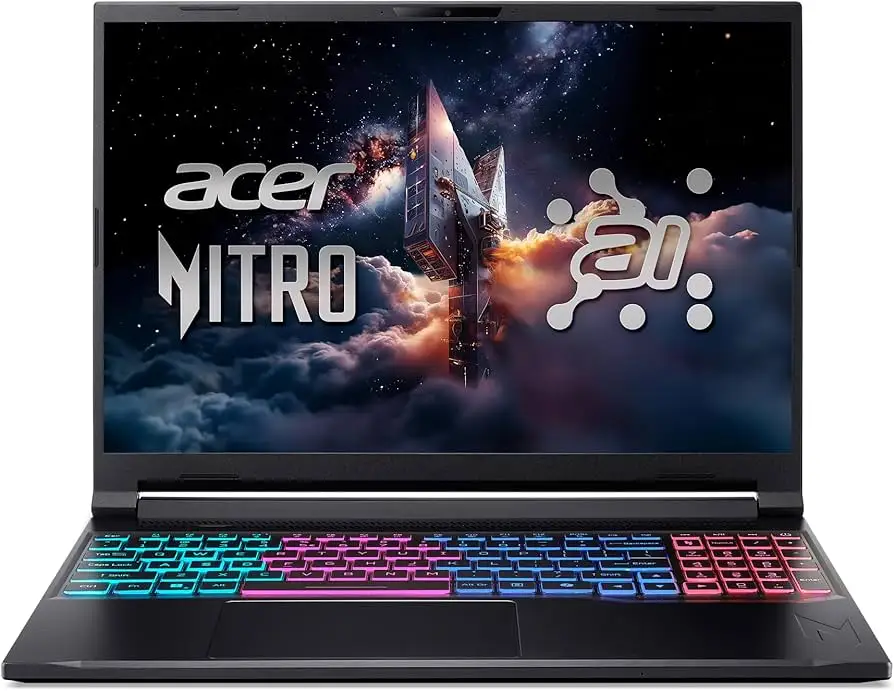
| Strong 1080p gaming performance with RTX 4050/4060 | Loud fans during gaming and even light tasks |
| Competitive price for specs | Washed-out colors and low brightness on display |
| Upgradeable RAM and storage | Battery drains quickly under gaming load |
| Solid build for a plastic chassis | Speakers lack bass, webcam is mediocre |
| Good port selection and connectivity | Plastic feel may deter premium buyers |
| Effective thermal management | Some users report early hardware faults |
| Decent keyboard and touchpad | Limited color accuracy for creative work |
Claims vs Reality
Acer markets the Nitro V as a “powerful yet affordable gaming laptop” with high-refresh-rate displays and advanced cooling. While these claims are partially true, user reports show nuance.
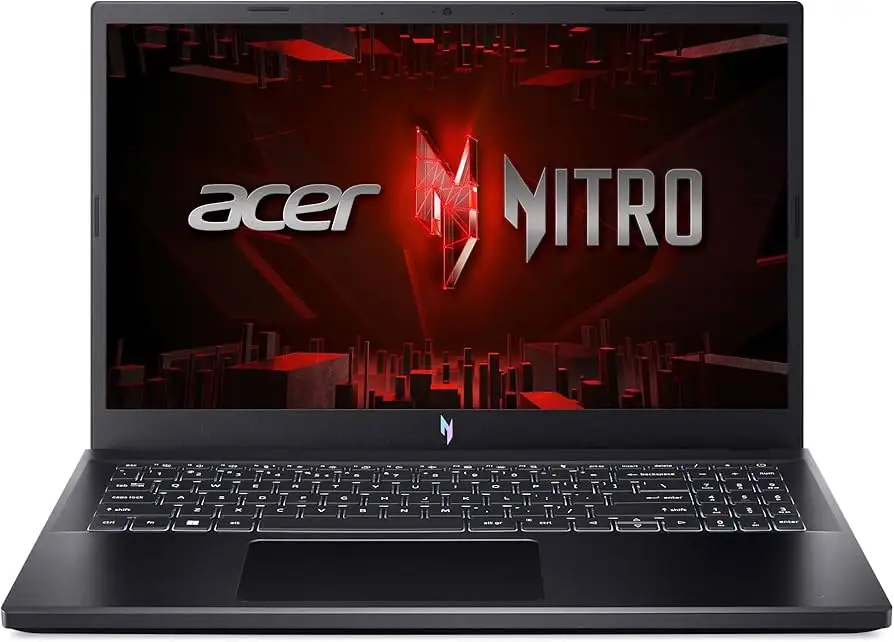
One headline claim is its “144Hz smooth display”. While Reddit user feedback notes the refresh rate is indeed beneficial for esports titles, Tom’s Hardware found the screen covering “just 44.9% DCI-P3” with “washed-out colors” — a letdown for anyone expecting vivid visuals. A verified Best Buy buyer echoed this: “The only weak part is the display… just get a monitor.”
Another claim is “advanced cooling for sustained performance.” In stress tests, Tom’s Hardware confirmed the laptop maintained stable frame rates over extended sessions, with CPU temps around 62°C and GPU temps at 64°C. However, fan noise emerged as a universal complaint — Best Buy reviewers warned “the fans are seriously loud” and Reddit user u/AcerNitroOwner shared that “fans spool up even when browsing.”
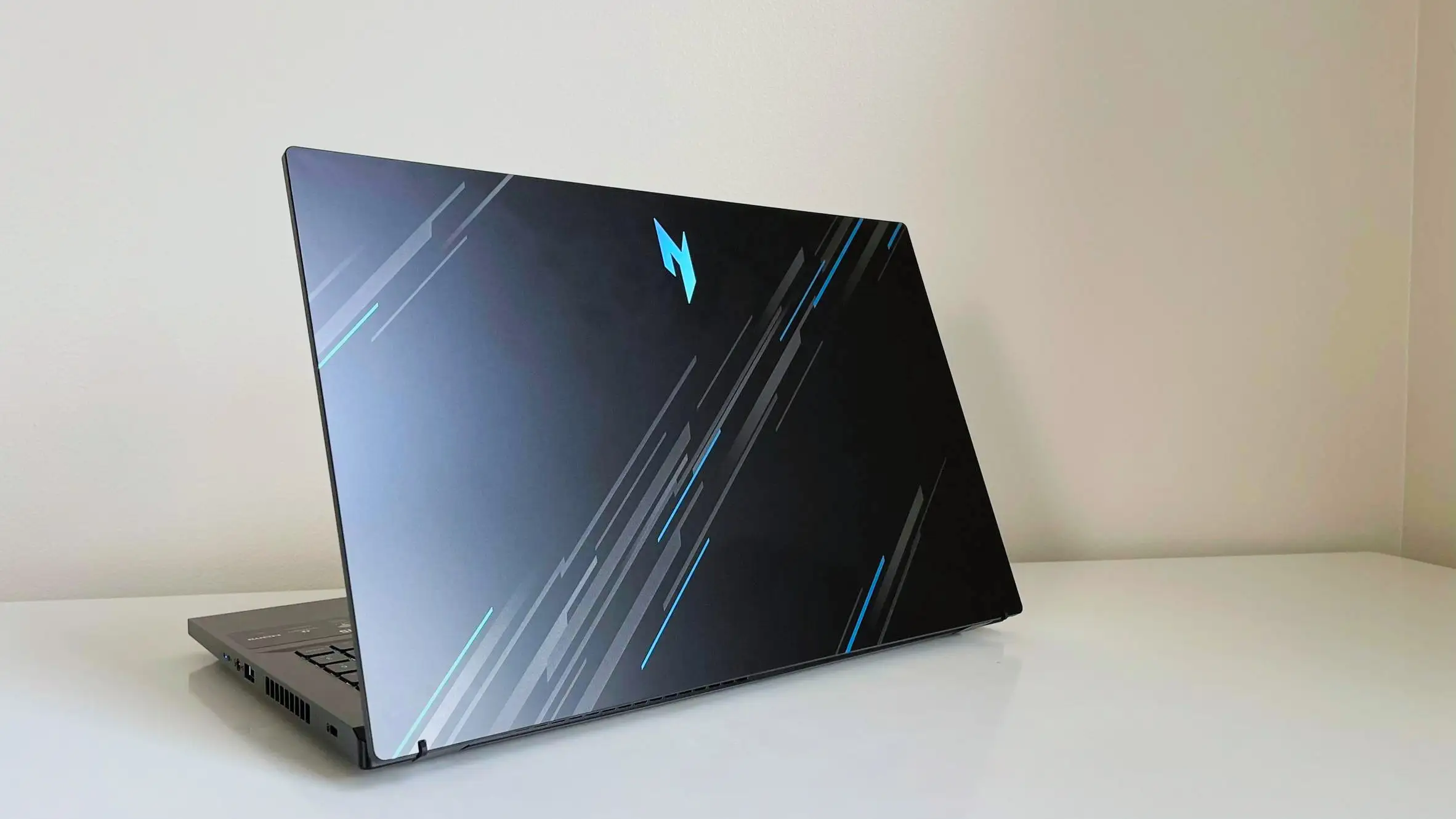
Acer also promotes “solid build quality.” Users generally agree it feels sturdy for plastic, with minimal flex, but Reddit threads caution it’s “made with cheap materials” and “the plastic body is really flimsy” in earlier Nitro generations, suggesting build quality varies across models.
Cross-Platform Consensus
Universally Praised
Performance is the standout strength. Whether equipped with an Intel i7-13620H and RTX 4050 or Ryzen 7 8845HS with RTX 4060, users report smooth 1080p gameplay. A Best Buy reviewer wrote: “The processor handles anything… I can run any AAA title effortlessly — Call of Duty, Cyberpunk 2077, Diablo 4 — all without a hitch.” Reddit users with older Nitro 5 units also praise longevity, with one noting: “2 years now and performance is still great.”
Upgradeability wins community approval. The Nitro V offers two SODIMM RAM slots and dual M.2 SSD bays. Tom’s Hardware highlighted easy access after removing the bottom panel. One Trustpilot buyer described adding “another 8GB RAM for it to be 16GB… plays all the games I want very well.”
Port selection and connectivity are solid for its class — USB-C with DisplayPort, multiple USB-A, HDMI 2.1, Ethernet, and Wi-Fi 6. This makes it versatile for gamers and streamers alike.
Common Complaints
The display is the most criticized aspect. Multiple reviewers, including Tom’s Hardware and Fakespot analyses, call it “muddy” and “lifeless,” with poor color coverage. This impacts creative professionals more than gamers, but even casual players notice dull visuals compared to competitors.
Fan noise is a recurring frustration. Best Buy reviewers mention “super noisy” fans, and Tom’s Hardware described them as having “a distinctive whine” audible across a room. This affects quiet environment use and may require a headset.
Battery life under gaming load is short. While light use can yield around 5–6 hours, gaming typically drops to 1–2 hours. As one Best Buy buyer put it: “Battery drains very quickly… meant to be plugged in for extended gaming.”
Speakers and webcam quality lag behind expectations. Audio is “tinny, with no bass” per Tom’s Hardware, and the 720p webcam suffers from soft focus and grain in low light.
Divisive Features
Build quality sparks debate. Many agree it’s sturdy for plastic and “highly resistant to flexing,” while others on Reddit insist “the screens are terrible… there is quite a bit of flex” on older models. This suggests newer Nitro Vs have improved, but perceptions are tied to previous experiences.
Thermal performance divides opinion. Some praise cool operation, citing temps in the 70–85°C range under load, while others report overheating issues requiring repasting or tweaks.
Trust & Reliability
Trustpilot reviews show a pattern of satisfaction when units work as intended, but frustration over warranty handling when faults occur. One Acer Community user recounted a “shattered screen” from light cleaning, followed by months-long repair delays and repeated hardware failures.
Long-term Reddit accounts vary: some 2–3 year owners report sustained performance after upgrades and maintenance, while others faced early SSD or keyboard failures. The consensus: reliability is acceptable if you avoid manufacturing defects, but buyers should consider extended warranties.
Alternatives
The Lenovo Legion 5 and LOQ 15 often surface in comparisons. Reddit users say Legion offers “better build, much better thermals” for a modest price increase. Tom’s Hardware data shows Dell G16 7630, with RTX 4060, outperforming Nitro V in most benchmarks for ~$100 more, plus a superior display. MSI Cyborg 15 matches Nitro V’s specs but runs a lower-wattage GPU, resulting in inferior game performance.
Price & Value
Pricing fluctuates widely — Best Buy sales drop the Nitro V 15 (RTX 4050) to $599–$759, while eBay listings for RTX 4060 models hover around $900–$1,099. Community buying tips stress catching seasonal discounts; one Best Buy buyer traded in a 4-year-old Acer for $124 off, landing a final price of $475.
Resale value is moderate — demand remains for budget gaming laptops, but depreciation is steep due to rapid GPU/CPU advancements.
FAQ
Q: How loud are the fans during gameplay?
A: Very loud by budget laptop standards. Multiple users report needing headphones to mask the noise, and Tom’s Hardware measured a “distinctive whine” even under light loads.
Q: Can the RAM and storage be upgraded?
A: Yes. There are two SODIMM slots for RAM (up to 32GB) and two M.2 SSD slots. Many users expand storage immediately due to the 512GB default.
Q: How is the display for color work?
A: Poor for professional creative tasks — limited color gamut (~63% sRGB), low brightness, and muted contrast. Adequate for gaming, but not for accurate color editing.
Q: What’s the real-world battery life?
A: Around 5–6 hours for light use; 1–2 hours for gaming. Best used plugged in for performance stability.
Q: Is the build quality durable over time?
A: Mixed. Newer Nitro Vs feel sturdy for plastic, but older models had flex and cheap-feeling materials. Longevity improves with careful handling and maintenance.
Final Verdict
Buy if you’re a budget-conscious gamer seeking strong 1080p performance, good connectivity, and upgrade potential — and you’re willing to game plugged in with a headset. Avoid if you need accurate color for creative work or quiet operation in shared spaces.
Pro tip from the community: Prioritize seasonal sales and consider an external monitor for visuals — “The only weak part is the display… just get a monitor,” advises one Best Buy reviewer.





