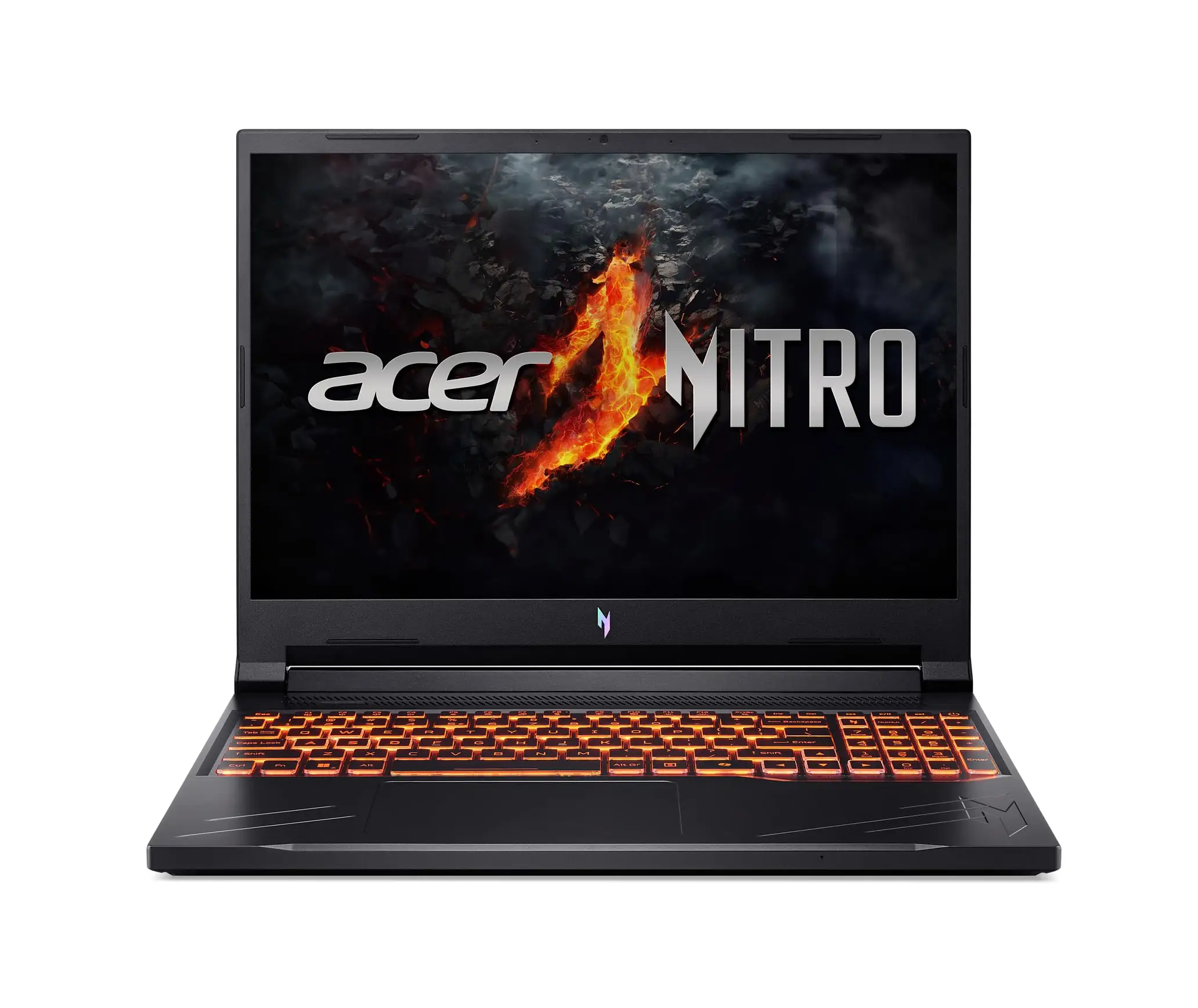
Acer Nitro V Gaming Laptop Review: Budget Buy or Skip?
Digging into months of user reviews revealed a split personality for the Acer Nitro V Gaming Laptop — a tempting budget gaming option with solid 1080p frame rates, yet hobbled by loud fans and a washed-out screen. Across platforms, owners scored it around 7.8/10, praising CPU/GPU value but cautioning about its compromises.
Quick Verdict: Conditional Buy
| Pros | Cons |
|---|---|
| Strong 1080p gaming with RTX 4050 | Lifeless screen color reproduction |
| Comfortable keyboard & touchpad | Loud, high-pitched fans |
| Upgrade-friendly internals | Subpar speakers |
| Competitive pricing under $1,000 | Noisy under light loads |
| Good port selection | Restrictive performance software (Nitrosense) |
Claims vs Reality
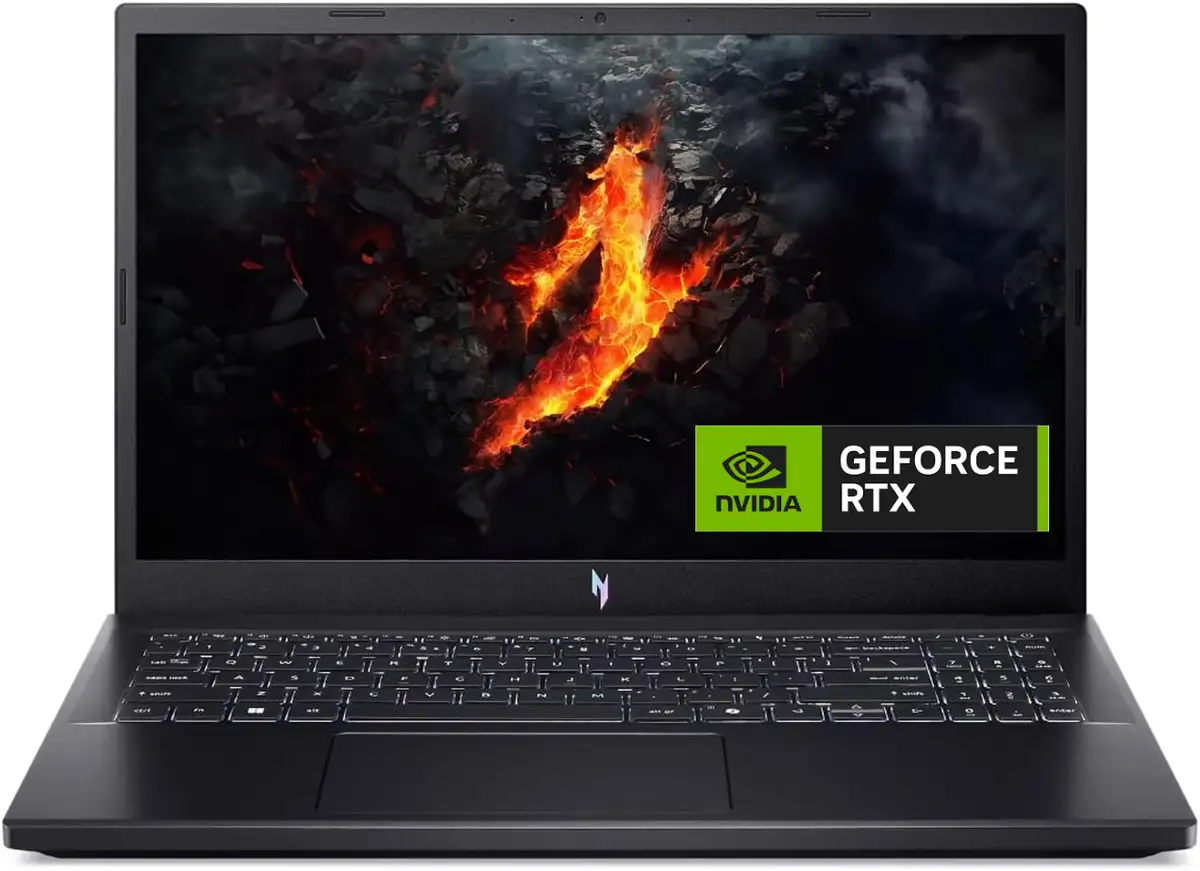
Acer’s marketing leans heavily on “beyond performance” with an Intel i7-13620H and RTX 4050 GPU, promoting studio-quality visuals and smooth play. On paper, the 144Hz IPS display and DLSS promise responsiveness and vivid detail.
Digging deeper into user reports, the display becomes a recurring sore spot. Tom's Hardware noted tests showing just 44.9% DCI-P3 coverage—confirmed by buyers calling it “washed out” and “muddy” even at max brightness. One Fakespot review summed it up: “The refresh rate here of 144Hz is nice for gaming but I wish they’d gone with a higher quality panel.”
Performance claims largely stood up for gaming—DLSS enabled high settings in titles like Shadow of the Tomb Raider over 100fps—but the Tom's Guide review warned that Nitrosense software “forces the power plan back to balanced mode when reaching below 40% battery,” throttling frame rates without override.
Cross-Platform Consensus
Universally Praised
For budget-conscious gamers, the CPU/GPU combo proved a standout. Reddit user u/[name withheld] told another buyer: “The Nitro seems to have a much better CPU… I’d say you made the right choice” when comparing to Lenovo Legion. On Tom’s Hardware, F1 24 hit 144fps at medium with DLSS, and owners on Best Buy confirmed real-world playability in Destiny 2 or Elden Ring at respectable frame rates.
Upgradeability is another universal win. A verified Amazon review noted: "Mine came with one 8GB stick… also included the ribbon to connect an additional 2.5” SSD… only need a screwdriver.” This capability drew praise from PC gamers swapping in larger NVMe drives or maxing DDR5 RAM to future-proof the machine.
Battery life exceeded expectations for this GPU tier in productivity scenarios—Tom’s Hardware recorded 5h41m beating rivals MSI Cyborg and Lenovo LOQ. Light users could browse, stream, and work without incessant charging.
Common Complaints
Fan noise dominated complaints. “Regrettably nothing quiet about the Nitro’s cooling fans… plainly audible across my living room,” wrote Tom’s Hardware, echoed by Best Buy buyers who resorted to using headsets full-time. Nitrosense drew ire for locking performance until battery reached 40%; Tom’s Guide called it “overwhelmingly terrible… manufacturers shouldn’t throttle performance” without user choice.
Displays disappointed creative users—washed-out colors and low brightness hindered photo/video work. “Some games look slightly different… it will hamper color-accurate creative work,” as Tom’s Guide warned.
Speakers also fell short. One Trustpilot reviewer described them as “awful” with tinny output, while Tom’s Hardware found “nearly devoid of bass,” requiring DTS:X Ultra software tweaks just to balance sound.
Divisive Features
The understated chassis aesthetics earned mixed feedback—some appreciated its less flashy look for office use, others found it boring compared to colorful competitors like Dell G15. Even the keyboard split opinion. Tom’s Hardware liked its comfort and quietness, while upgraders missed RGB flair or deeper travel. Best Buy buyers loved customizing backlighting where available, noting it added personality.
Trust & Reliability
Patterns on Trustpilot suggested generally solid build quality, with many satisfied after months of gaming. Reddit threads included long-term Nitro 5 owners reporting years of service after battery and fan tweaks, but some warned about early defects—a Reddit user recounted a dead SSD replaced under warranty that “everything has been perfect” since.
Conversely, the Acer Community told horror stories: shattered screens from light cleaning, repeated fan failures, and a hard drive boot error within two years, eroding trust for buyers expecting longevity without repairs.
Alternatives
Community comparisons often named the Lenovo Legion for better screen, keyboard, and speakers—though at slightly higher prices. MSI’s Cyborg 15 matched CPU but used a lower-wattage RTX 4050, falling behind in frame rates. Dell’s G16 offered RTX 4060 and superior display quality for around $100 more, making it a compelling step-up if buyers could stretch budget.
Reddit comment threads reveal purchase regrets when Legion was available at the same price: “Legion has great build, motherboard, keyboard… while yes the CPU you got is i9 and Legion has i7… that i9 is overkill for a 4060.”
Price & Value
At $869–$999 for i7/RTX 4050 models, buyers saw clear value versus rivals. eBay resale showed newer units holding 70–80% of retail if kept in good condition, aided by upgradeable storage slots. Frequent sales on Newegg and Amazon dropped some configs under $800, making it a sweet spot for competitive esports players seeking high refresh rates without high-end costs.
Reddit recommendations stressed timing purchases with seasonal sales, and to budget for a quality headset to offset noise issues.
FAQ
Q: Can the Acer Nitro V handle modern AAA games?
A: Yes, with DLSS enabled, expect solid 60–100fps performance in most modern titles at 1080p high settings, though ray tracing may require compromises.
Q: Is the screen good enough for creative work?
A: Not ideal—users and reviewers consistently rated color accuracy and brightness as subpar, making it unsuitable for critical color work.
Q: How loud are the fans?
A: Fans are audibly high-pitched under load; several owners recommend using closed headphones during gaming to mask the noise.
Q: Can I upgrade the RAM and storage myself?
A: Yes, two RAM slots and two M.2 SSD slots are accessible; many owners report “plug-and-play” upgrades with minimal tools.
Q: How does battery life compare to similar laptops?
A: Better than average in productivity tasks (around 5–6 hours), but gaming cuts it to under 2 hours and triggers performance throttles.
Final Verdict: Buy if you’re a budget gamer prioritizing 1080p performance, upgradeability, and can live with loud fans and mediocre display. Avoid if you need vibrant visuals or quiet cooling. Pro tip from community: invest in a good headset and external monitor to unlock the Nitro’s full potential.